- Order states
- 5 + 2 draft, scheduled, dispatched, in progress, completed, plus on hold and cancelled — and the server refuses a transition that skips a step.
- The closing rule
- Required checks first a work order cannot be completed while a required checklist item is still open. Not a warning: the API answers 422 and the order stays open.
- On site
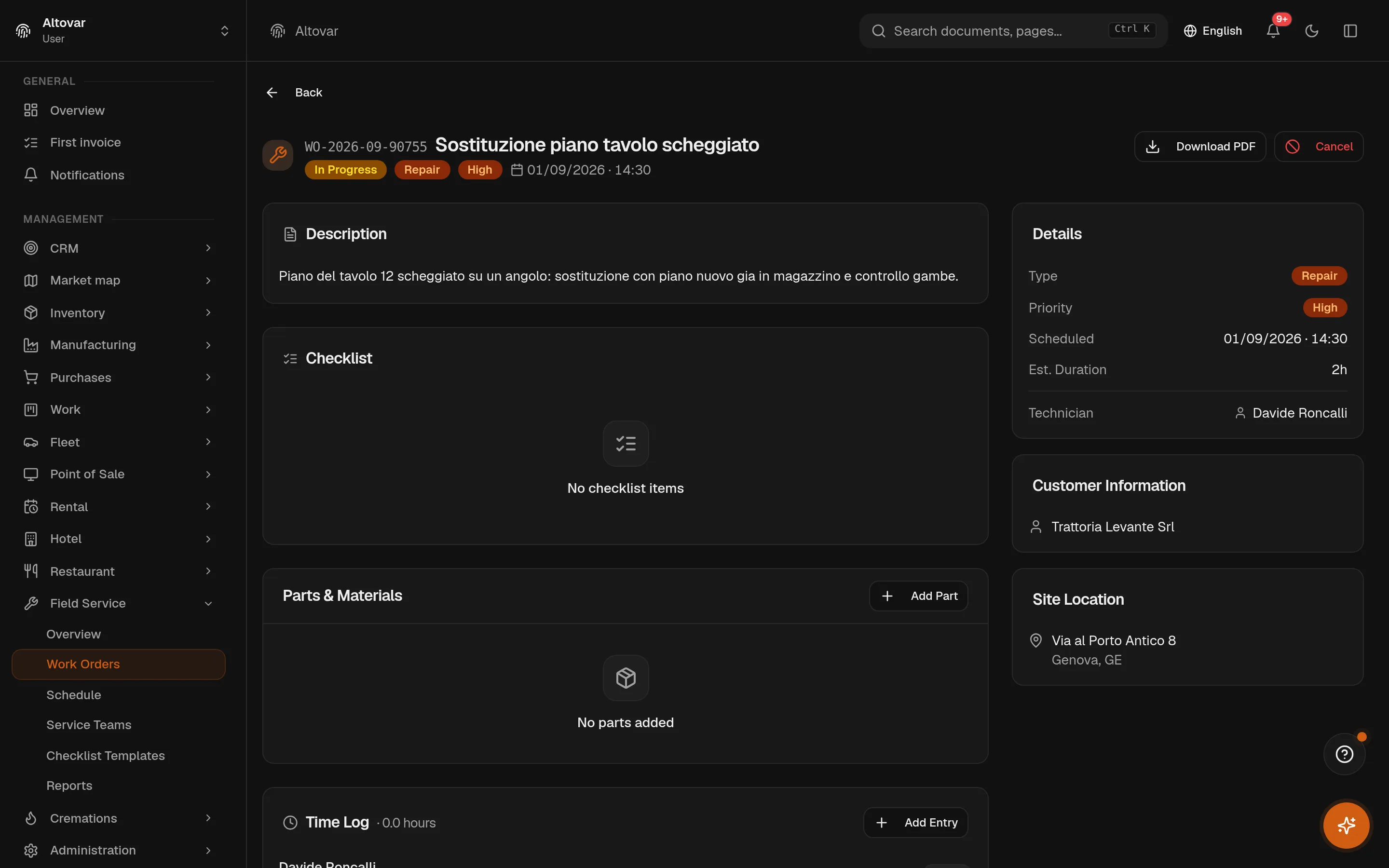
- Parts, hours, photos, signature what was fitted, how long it took, what it looked like, and who accepted it — with a feedback rating and a PDF report for the customer.
- Around the job
- The van and the rental the vehicle with its trips and mileage, its maintenance and its expiring insurance; the equipment rented for the day, with an overlap check that refuses a double booking.
Installers, maintenance, technical assistance
What happened on site, written where it counts.
The job is done away from the office, so the record has to travel with the technician: the checklist that must be complete before the order closes, the parts actually fitted, the hours actually worked, the signature of whoever accepted the work. Behind them, the van that got there and the lift that was rented for the day.
One work order, five moments, one signature.
Scroll through a demo job. The checklist is live: tick the required items and watch the closing gate open — that is the product’s own rule, not a decoration.
-
The week, on the schedule
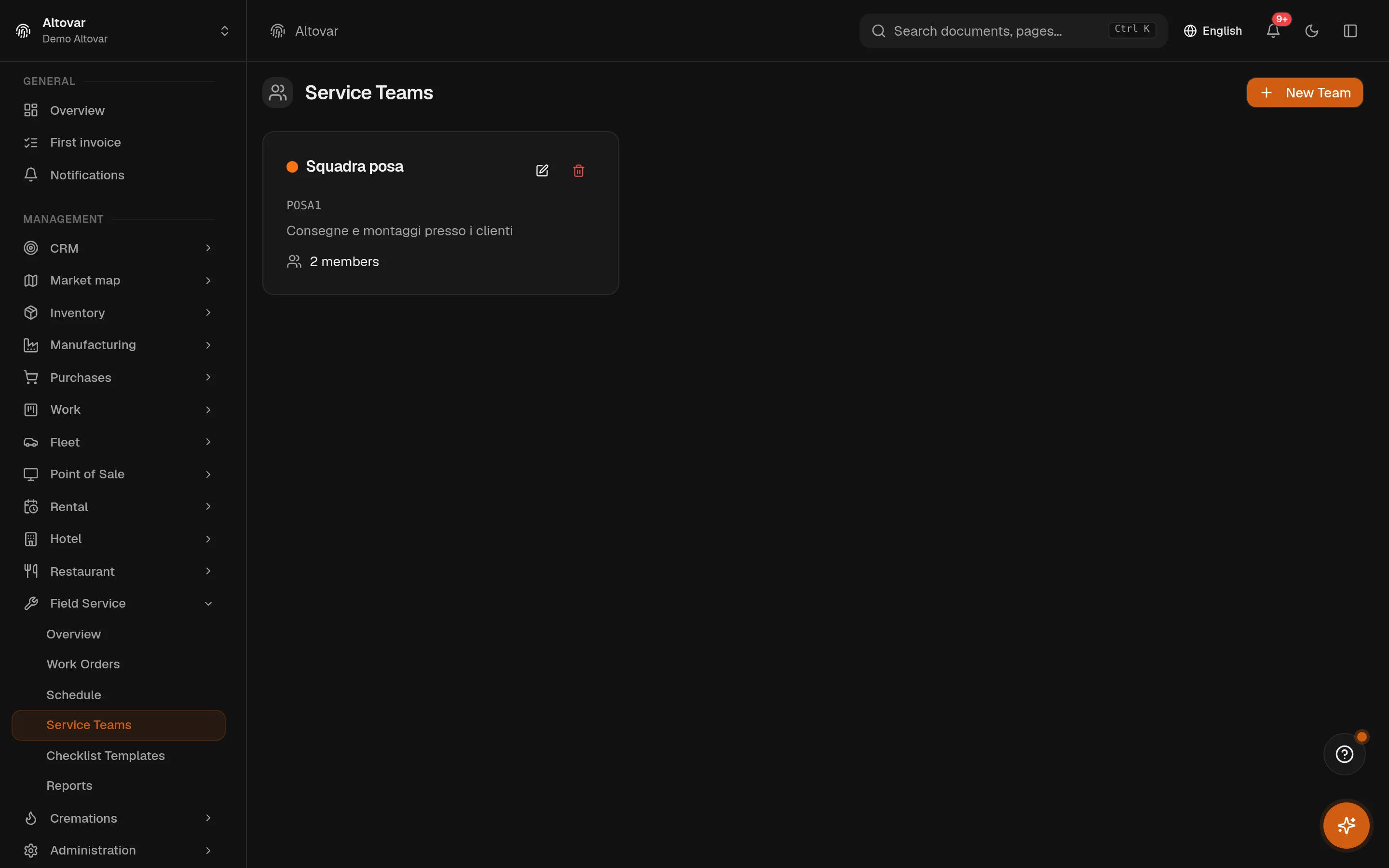
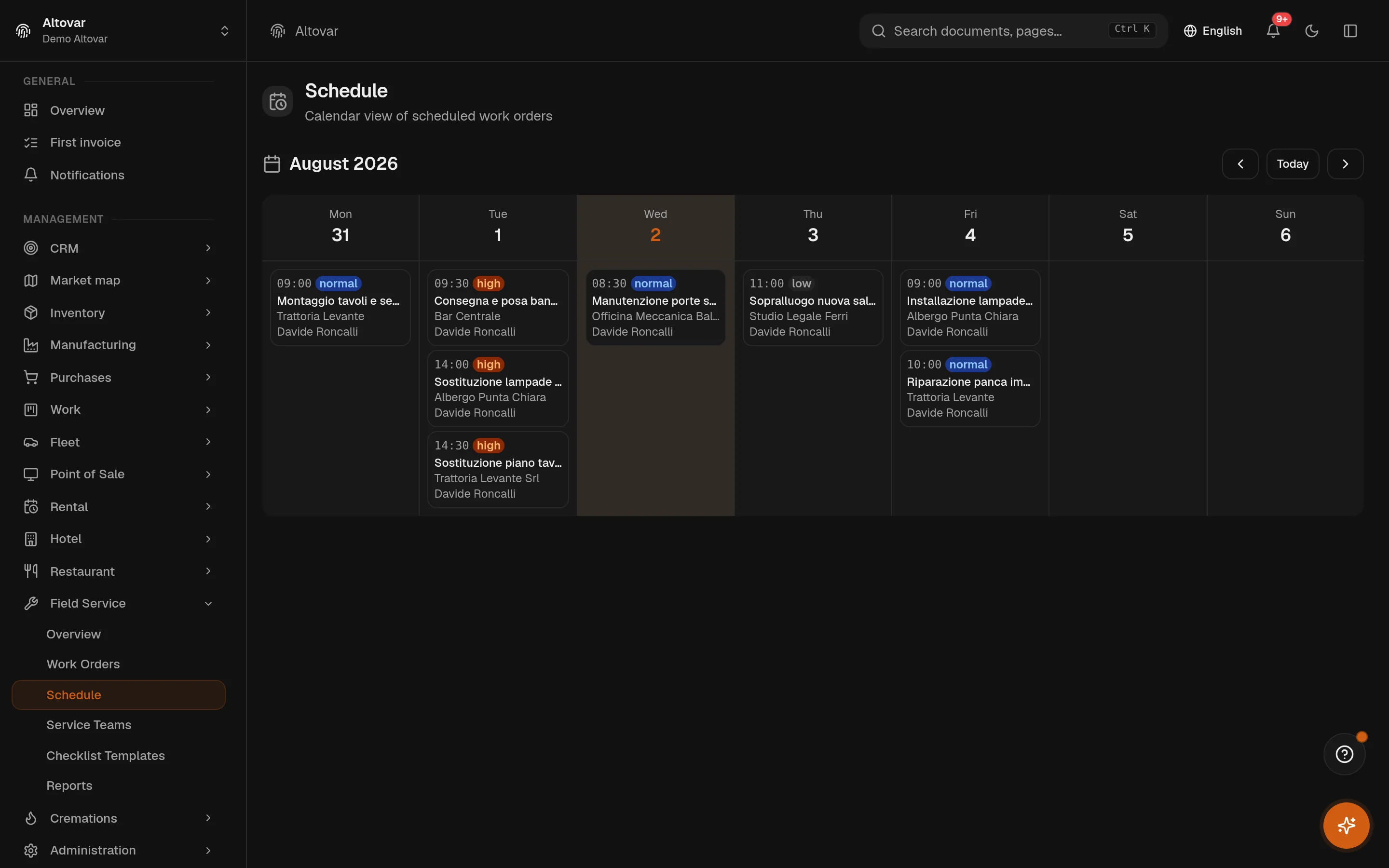
Work orders are scheduled by day with a time and a duration, assigned to a team and a technician. The board shows the week; dispatching sets the date, the time and who goes.
Projects & field -
The van, and what it carries
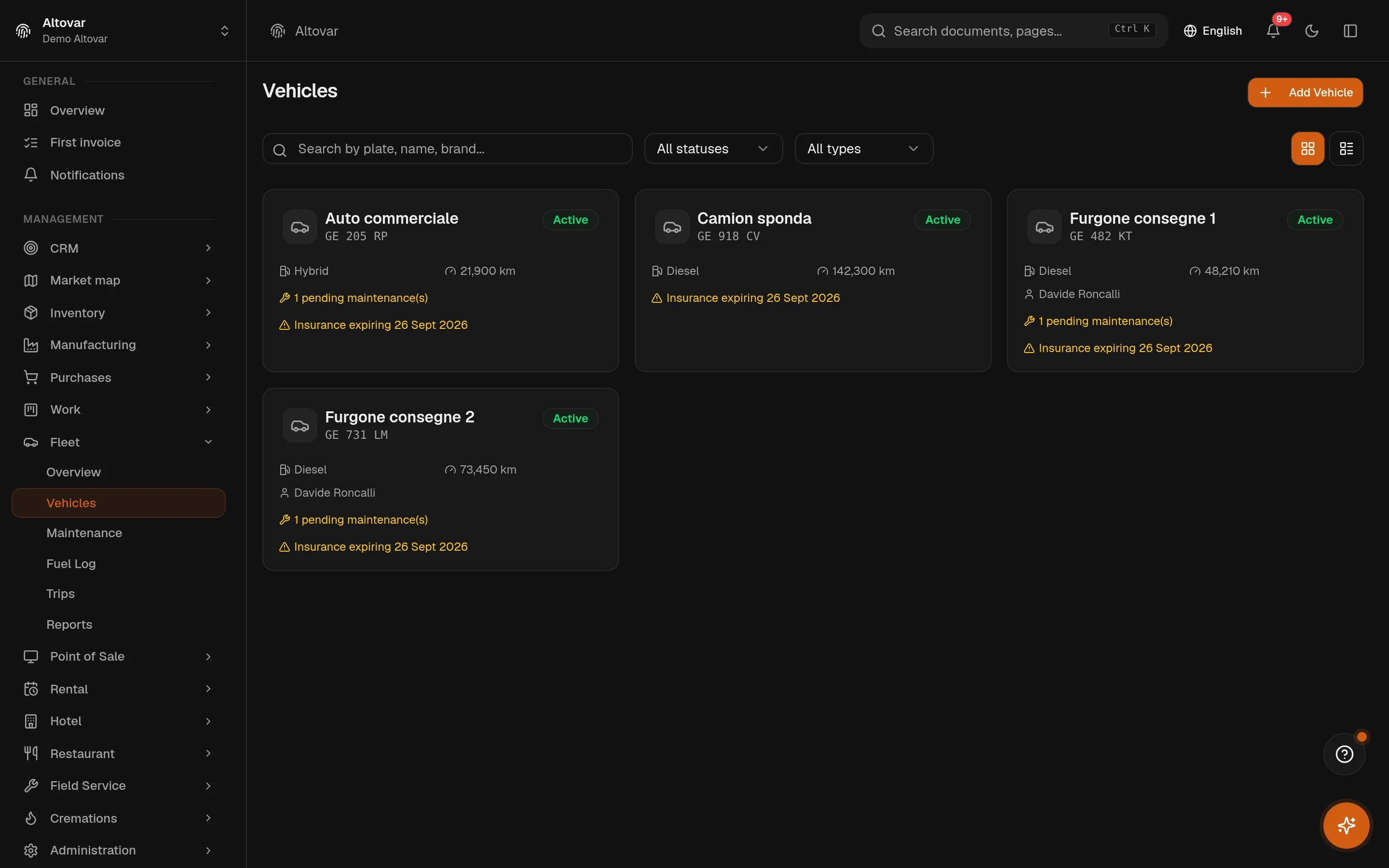
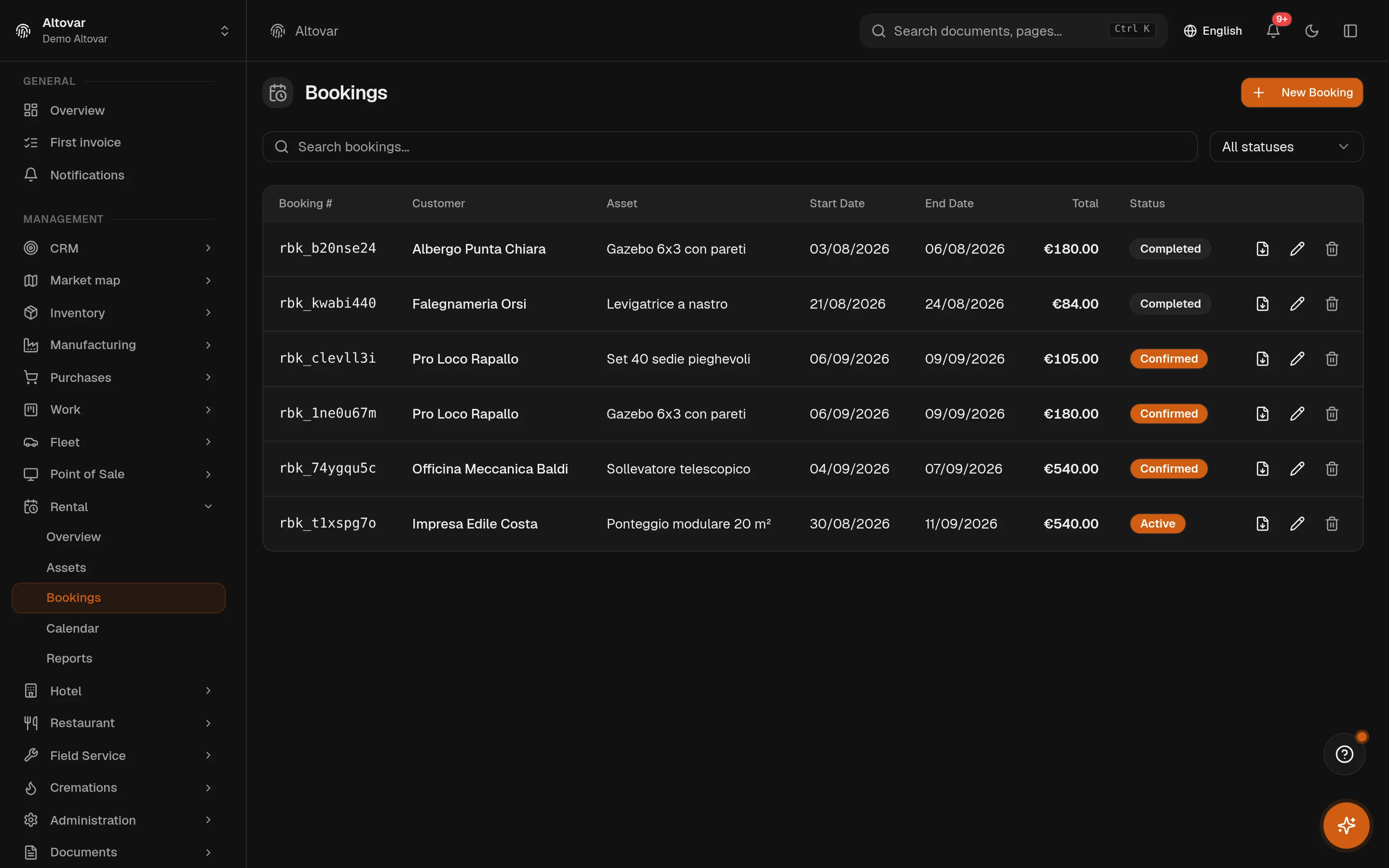
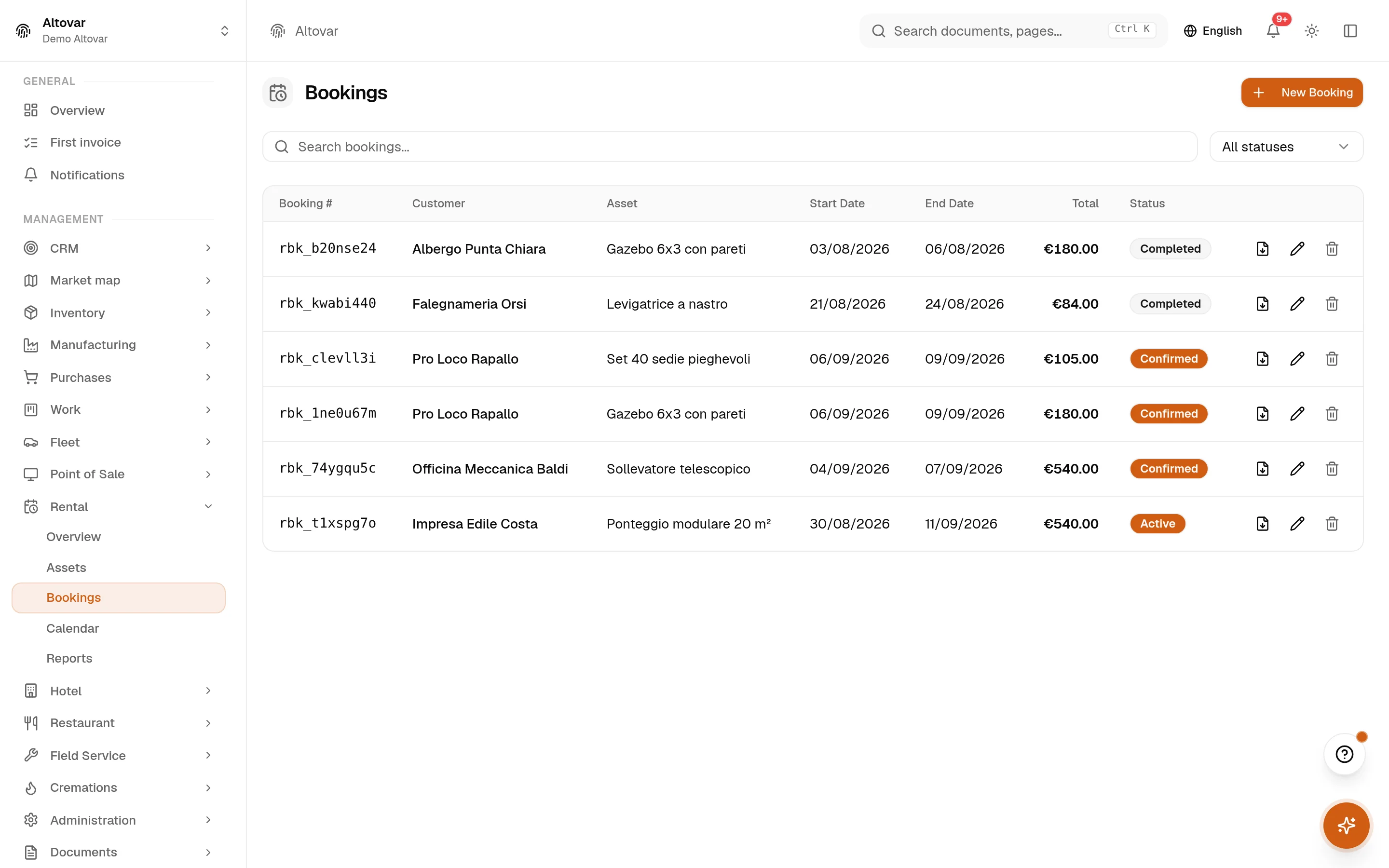
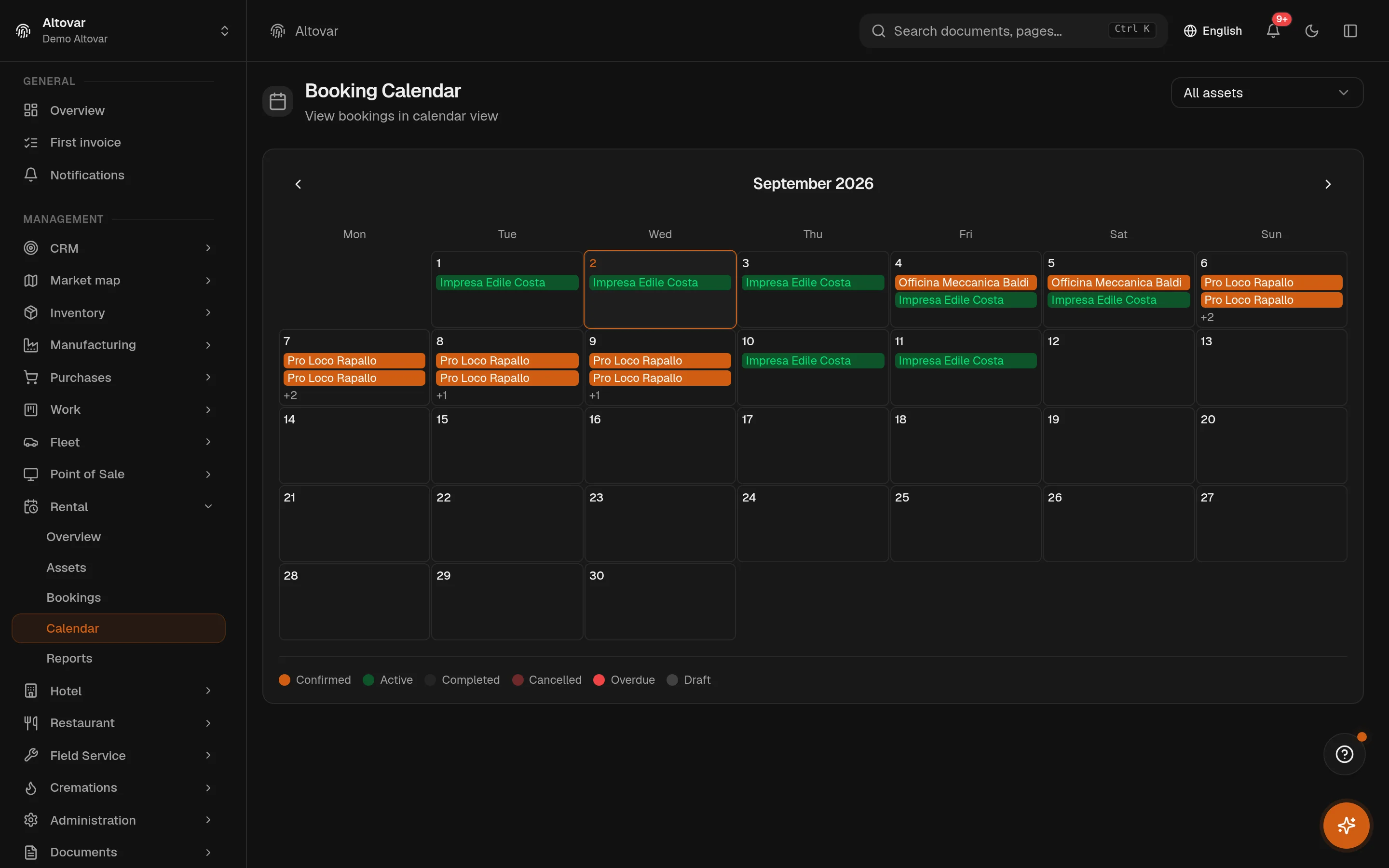
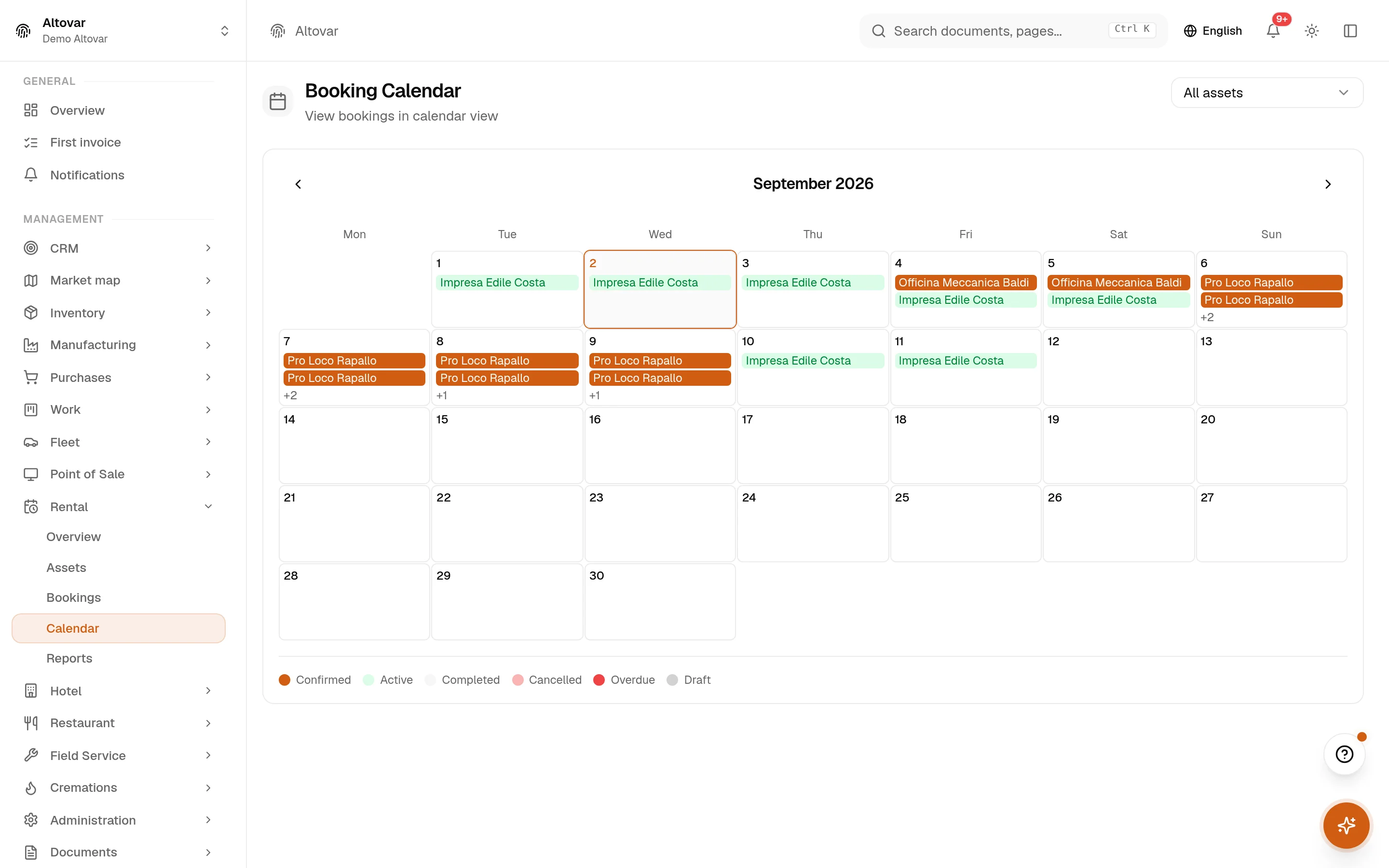
The trip is logged from and to, with the odometer at both ends. The vehicle carries its own maintenance plan and its insurance expiry, surfaced thirty days ahead. The telescopic lift for this job is out on a rental booking.
Projects & field -
On site: the checklist
The order carries the checklist of its template — measurements verified, floors protected, assembly levelled, final photo. The required ones are not optional: while one is open, the order will not close.
Projects & field -
Parts, hours, signature
What was fitted comes off the parts list, the hours are logged against the order, the customer signs on the screen and leaves a rating. The PDF report is generated from the same data, not retyped.
Projects & field -
Closed, and the lift comes back
With every required check done, the order completes. The rental booking is returned and invoiced through the document engine; the trip and the fuel are on the vehicle’s record.
Documents
Dispatching sets the day, the time and the team; the board is the week as it stands.
Trips carry the odometer at both ends; the vehicle carries its maintenance and its expiries.
The product refuses completion while a required item is open: the API answers 422.
Parts, hours, photos and the signature live on the order and go into the PDF report.
The rental booking is invoiced on return through the same document engine.
Five modules, one van.
A day on the road is a work order, a vehicle, some parts and, often, a piece of rented equipment — and an invoice at the end of it. These are the modules field service uses in Equinox.
-
Projects & field
Work orders with enforced states and the closing rule, teams, checklist templates, parts, photos, signature and PDF report — plus projects and the hours behind them.
-
Warehouse
The parts on the van and in the store: stock, movements, reorder thresholds.
-
Documents
The invoice at the end: quotes, invoices, delivery notes, e-invoicing through the exchange system.
-
Deadlines & cash
What the customer still owes and when, with the cashflow view over the open deadlines.
-
People
Technicians and apprentices: contracts, clock-ins, leave balances, the org chart of the teams.
What the dispatcher and the technician look at.
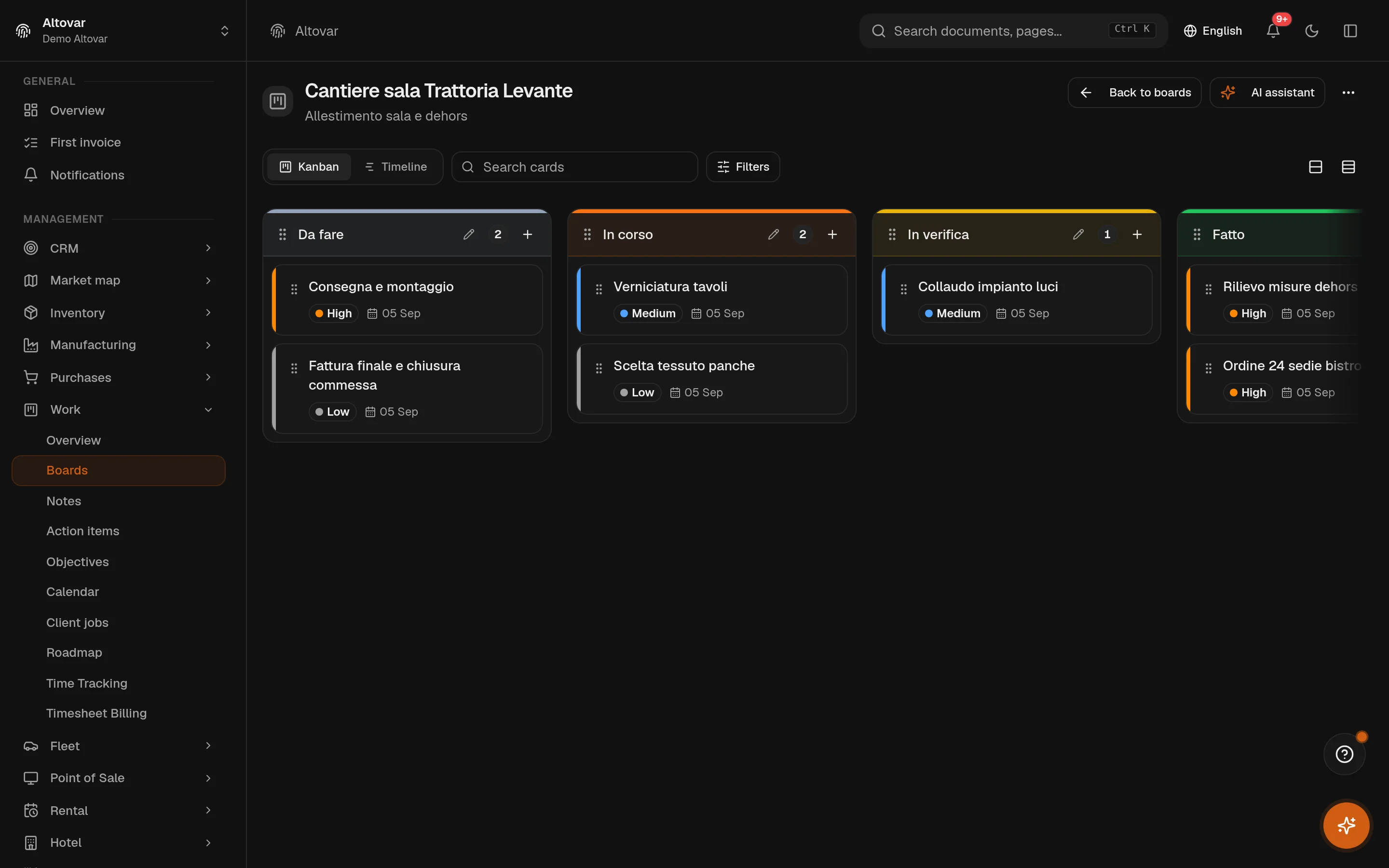
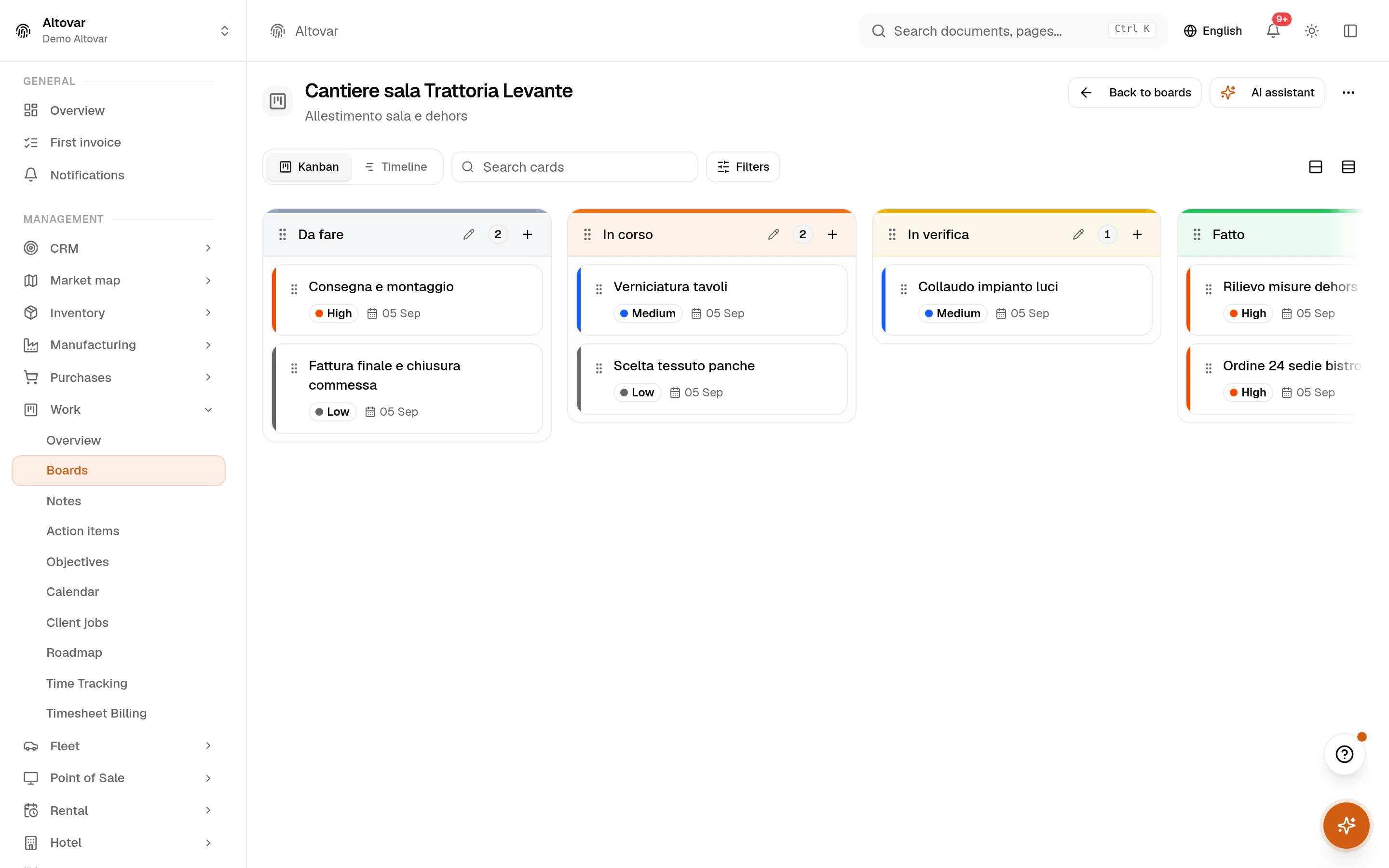
Real captures of the application on a demo company. The schedule, the teams, the vehicles with their alerts, the rental bookings and calendar, and the work board behind the jobs.
What is not here, on purpose: you cannot invoice straight from a work order — the invoice is written in the documents module; the technician report has no labour cost; there is no live timer, no GPS tracking or route optimisation, no packaged mobile app and no offline mode. The mobile view is the same application in a browser.
Tell us about a normal week.
How many technicians, how many jobs a day, what has to be checked before a job can be called done. We will show you Equinox on a week like yours — and be straight about what it does not do.