01
NecessaryAlways on
Required for the site to work (login, preferences, security). Always on.
Auris — identity, access, licensing
Auris signs people into the ERP, the cloud, Comply and your own apps with a single session. Tenants, roles, permissions, machine clients, licence keys and a distributor network live in one console, under your brand.
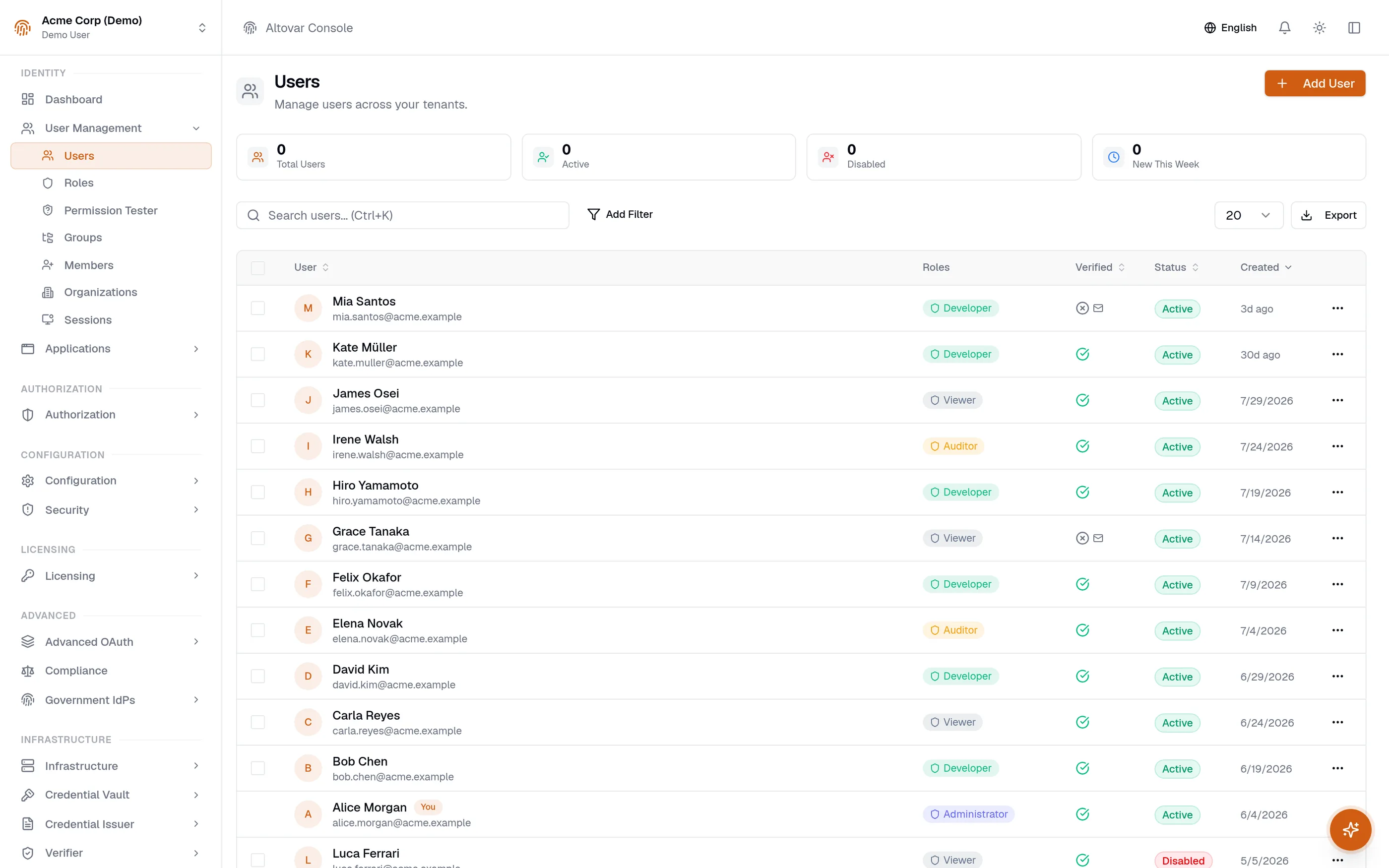
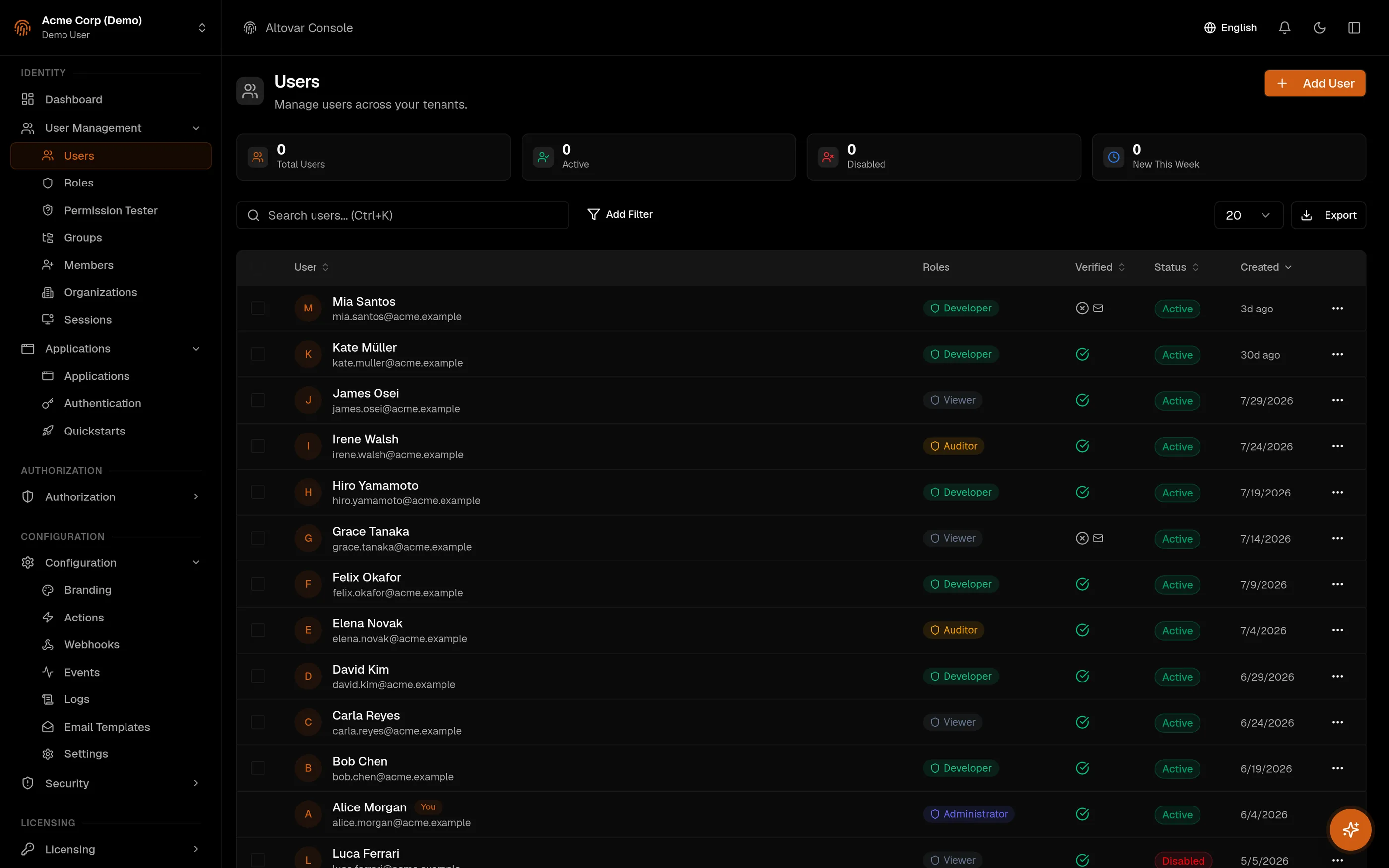
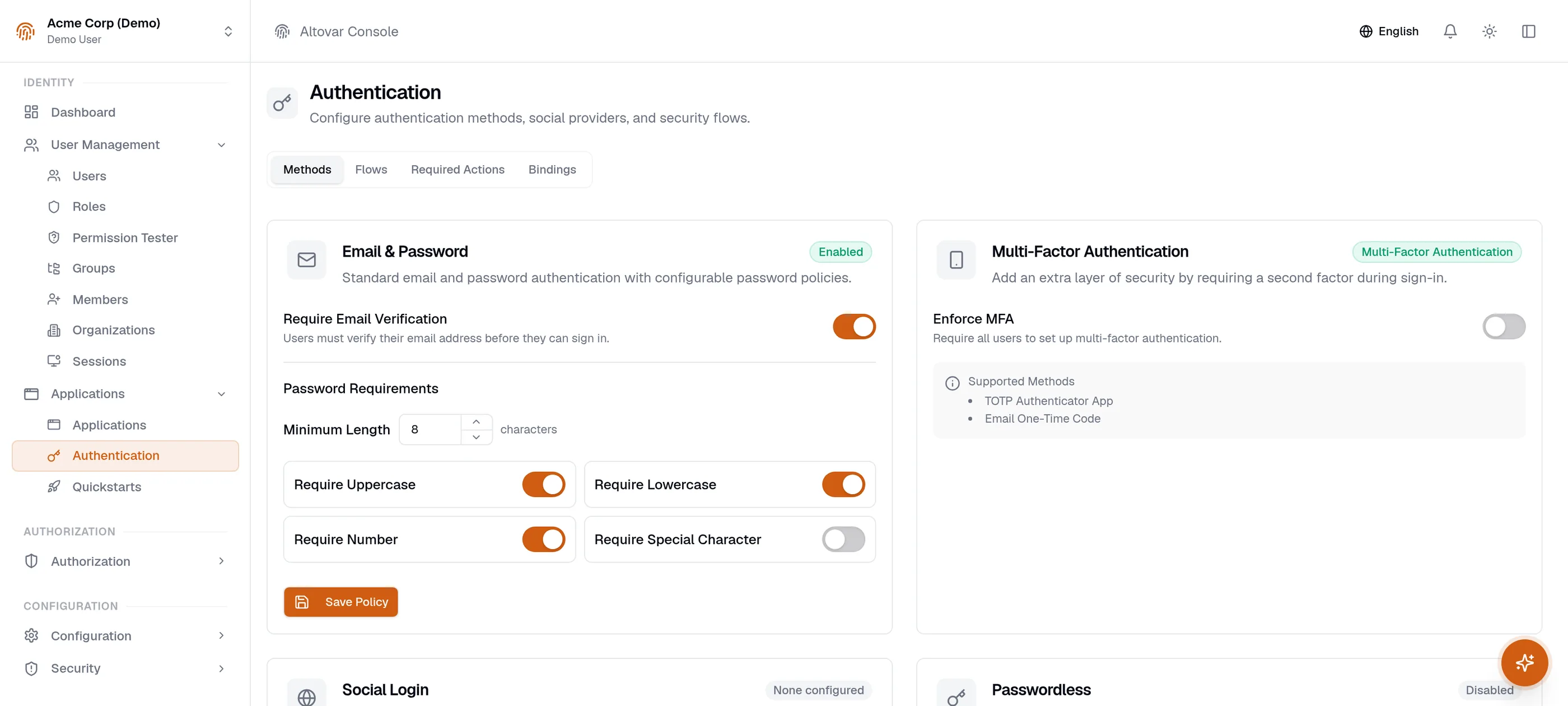
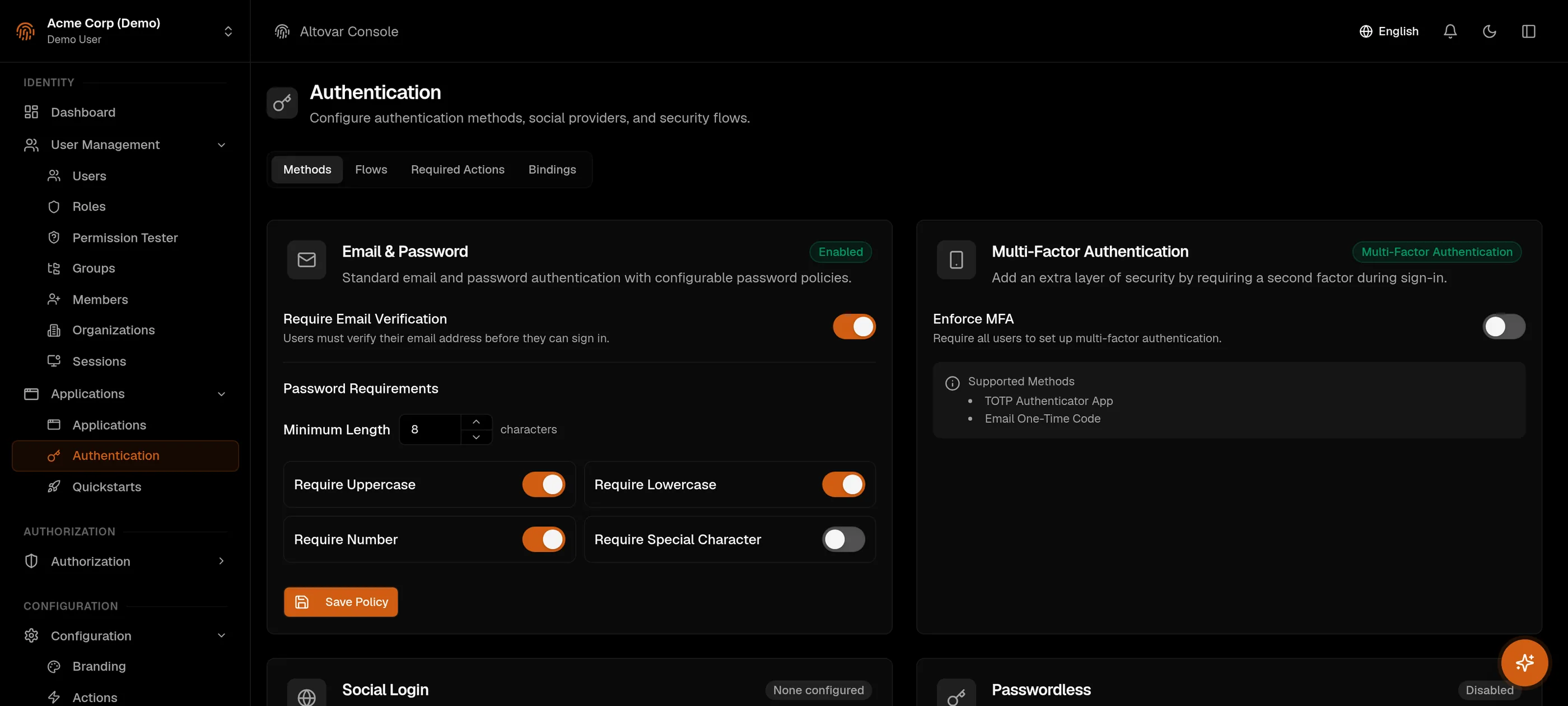
The console. A screenshot, not a mockup.
Four things you can check
Every tenant gets its own realm. Users, roles, sessions and keys never cross it. Organizations group customers inside a tenant without blurring the line.
Every permission is a readable slug. Roles are lists of slugs, apps publish their own catalogue, and the console checks roles against it.
Sessions live in a shared store. Revoke one in the console and every app refuses it on the next request.
The audit log rejects updates and deletes at the database level. Erasure under data-protection law is the one exception, and it is logged too.
The login
Your ERP, cloud, portal and Comply share the session. This is what happens the first time someone opens one of them.
The app's middleware finds no session and sends the person to the tenant's hosted login page, with the tenant's logo and colours.
Password under your policy, magic link, one-time code or passkey. A second factor if you enforce it. Lockout and suspicious-login checks run on every attempt.
The session cookie lives on the shared domain. The next app they open finds it and lets them in without asking again.
Sessions show up in the console. Revoke one and it is gone everywhere on the next request. Every step lands in the audit log.
Pick a role and see the permissions it carries. The slugs are the real ones the API checks.
Everything in the tenant, admin:all included. Every tenant has at least one.
All management permissions of the tenant: users, roles, security, licences, distribution. Without admin:all.
Read access: users, roles, members, security settings, audit log, and the products the tenant has.
A role you compose from the catalogue, any set of slugs. Roles are ordered, so nobody grants more than they hold. Here, an example support role.
| action:resource | Owner | Admin | Member | Team role |
|---|---|---|---|---|
view:users | granted | granted | granted | granted |
manage:users | granted | granted | not granted | not granted |
view:roles | granted | granted | granted | not granted |
manage:roles | granted | granted | not granted | not granted |
view:members | granted | granted | granted | granted |
manage:members | granted | granted | not granted | not granted |
manage:sessions | granted | granted | not granted | granted |
view:security | granted | granted | granted | not granted |
manage:security | granted | granted | not granted | not granted |
view:audit | granted | granted | granted | granted |
export:audit | granted | granted | not granted | not granted |
manage:license-keys | granted | granted | not granted | not granted |
view:license-stats | granted | granted | not granted | not granted |
read:distribution | granted | granted | granted | not granted |
manage:distribution | granted | granted | not granted | not granted |
admin:all | granted | not granted | not granted | not granted |
Team roles and organization roles draw from the same catalogue. Apps publish their permissions to it; deprecated keys stay visible but stop being assignable.
The console is where the boundary gets drawn and the people get in.
Licensing is part of Auris, not a bolt-on. Follow one key.
Decide what a key can carry: format, features, seats, devices, expiry, usage metrics. Online, offline or hybrid validation.
Issue it to a user, an organization, a device, an email address or a whole tenant. For the ERP, pick the modules it unlocks. Attribute it to a distributor if one sold it.
A device activates with its fingerprint. Past the device limit the activation is refused; the same device coming back is just refreshed.
Your app validates online and gets features, seats, devices and expiry back. When it cannot, the SDK says why: expired, revoked, or no network.
Floating seats: check out, heartbeat, check in. A lease lasts thirty minutes unless renewed; a cron sweeps the expired ones.
Suspend, revoke or let it expire. The status flips on the next listing, and a signed revocation list carries the key id for offline clients.
Distributors sell your product lines. They get a grant, not the keys to your tenant.
Per product line you set the modules, the discount and how many customers. An empty module list means all of them.
The partner issues keys from their own portal. The key is shown in clear once; from then on it is masked.
The customer is attributed to that distributor automatically. A customer belongs to one channel.
The partner suspends or reactivates their keys from the portal. Suspending a distributor never cuts a customer's service.
Flip the conditions. The rule that stops the request is the one the API returns.
The key is returned in clear, once. The customer is attributed to the distributor.
Suspended or terminated distributors issue nothing.
No grant for this line.
A module outside the grant was requested.
Another distributor already has this customer.
The grant's customer quota is full.
DISTRIBUTOR_NOT_ACTIVELINE_NOT_GRANTEDMODULES_NOT_GRANTEDCUSTOMER_ATTRIBUTED_ELSEWHEREMAX_CUSTOMERS_REACHEDCUSTOMER_NOT_ALLOWEDTENANT_NOT_FOUNDThe hosted pages are yours to style. The console previews each of them live while you edit.
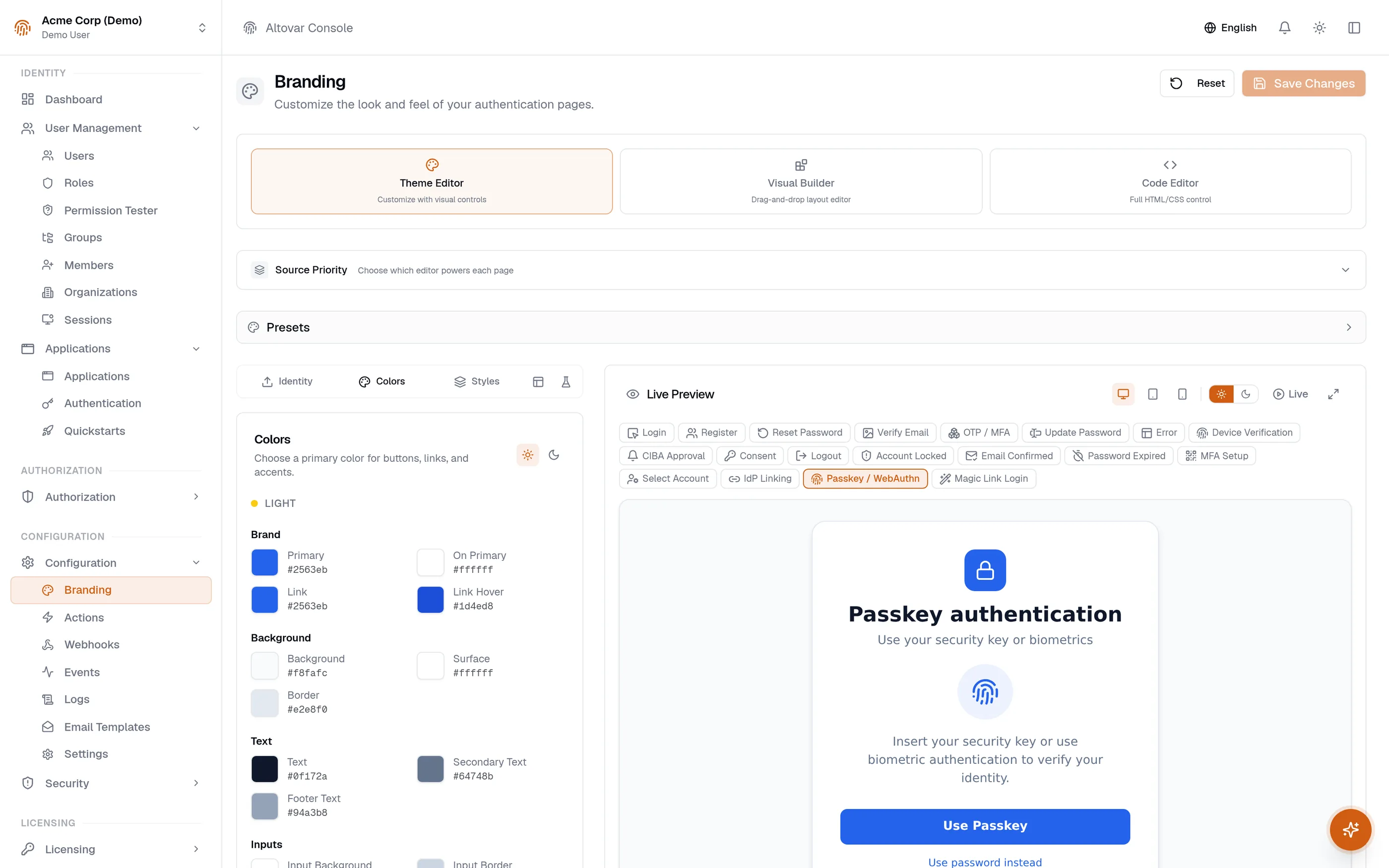
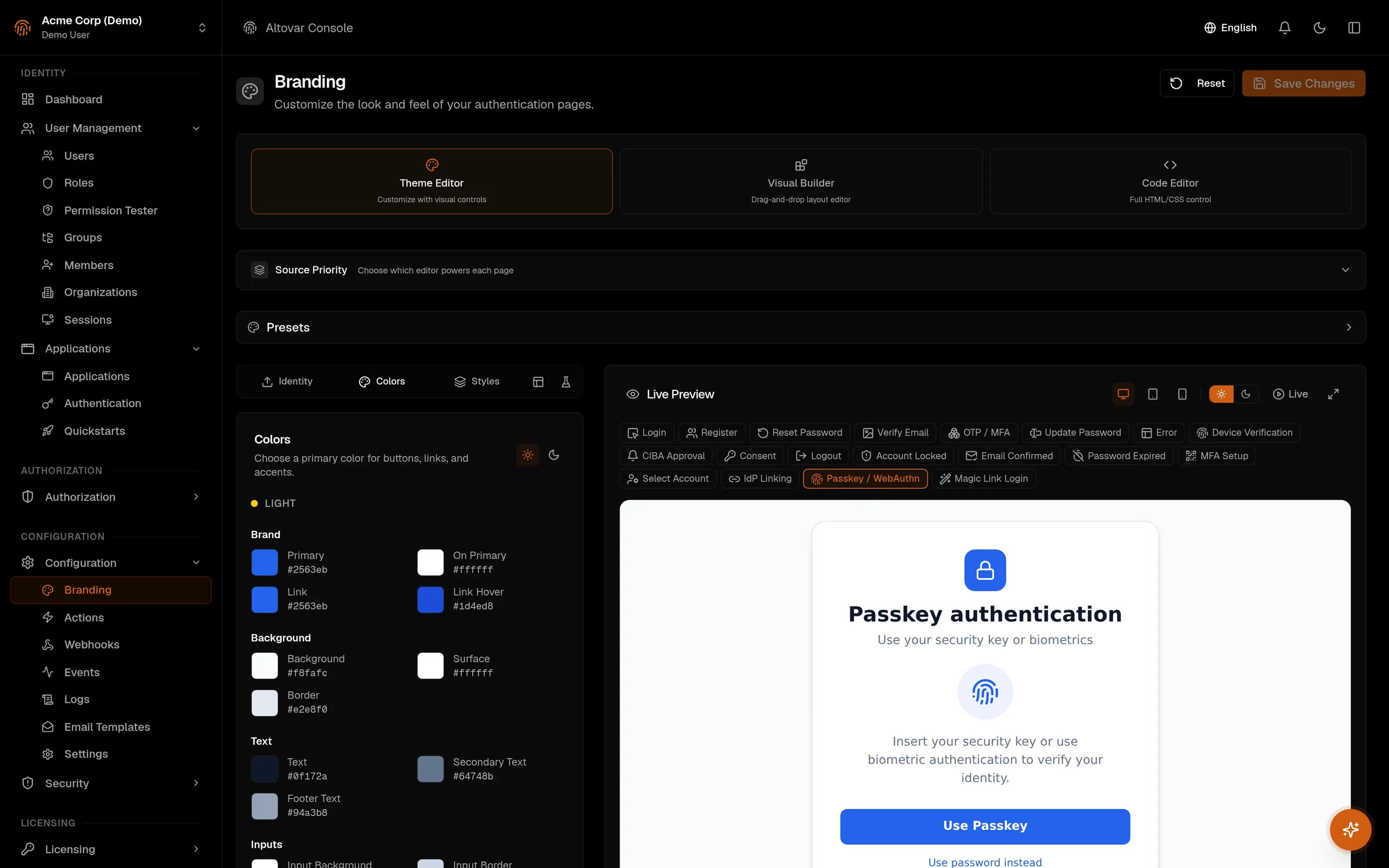
Every login goes through the same chain of checks. You tune them; the log keeps the receipts.
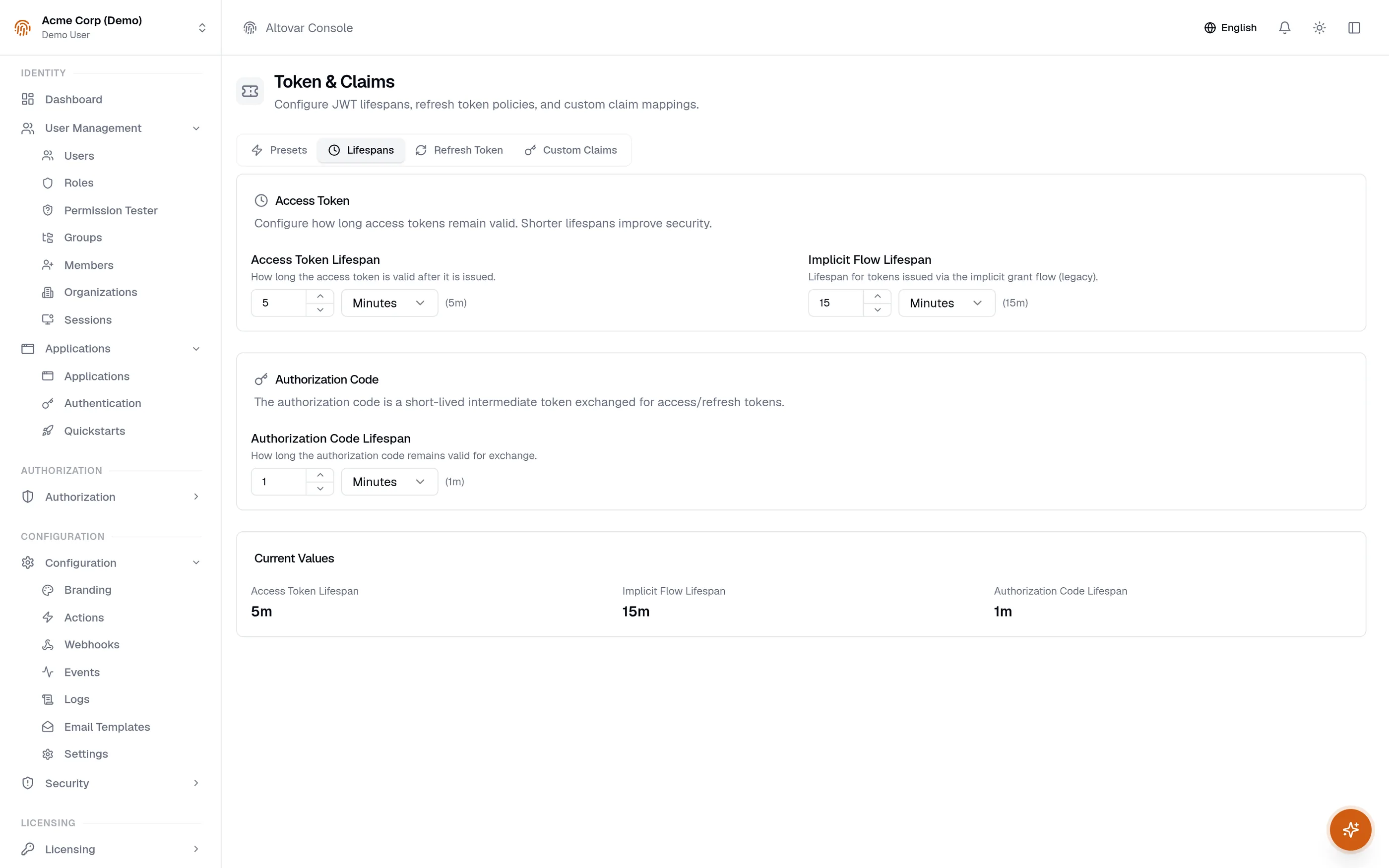
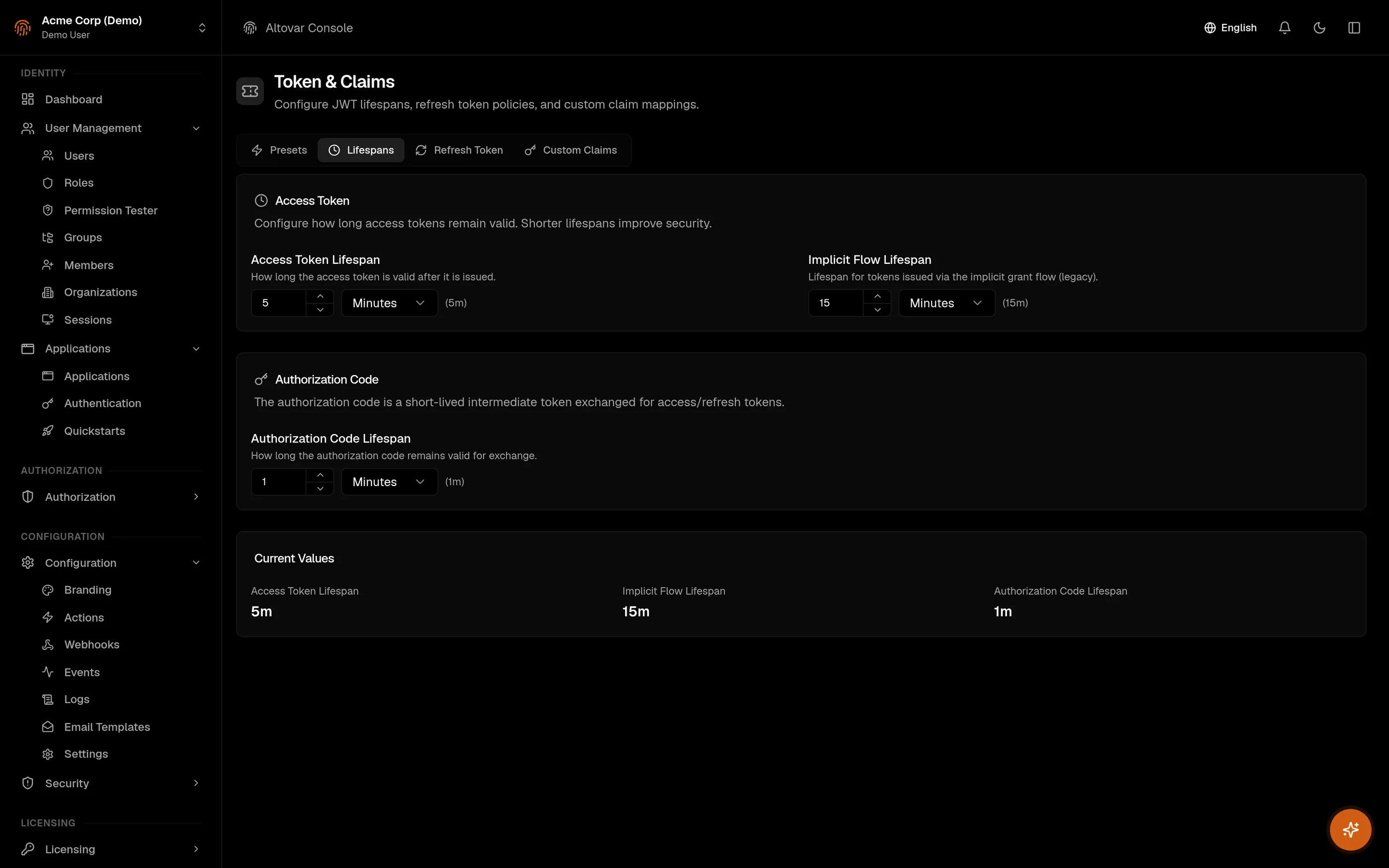
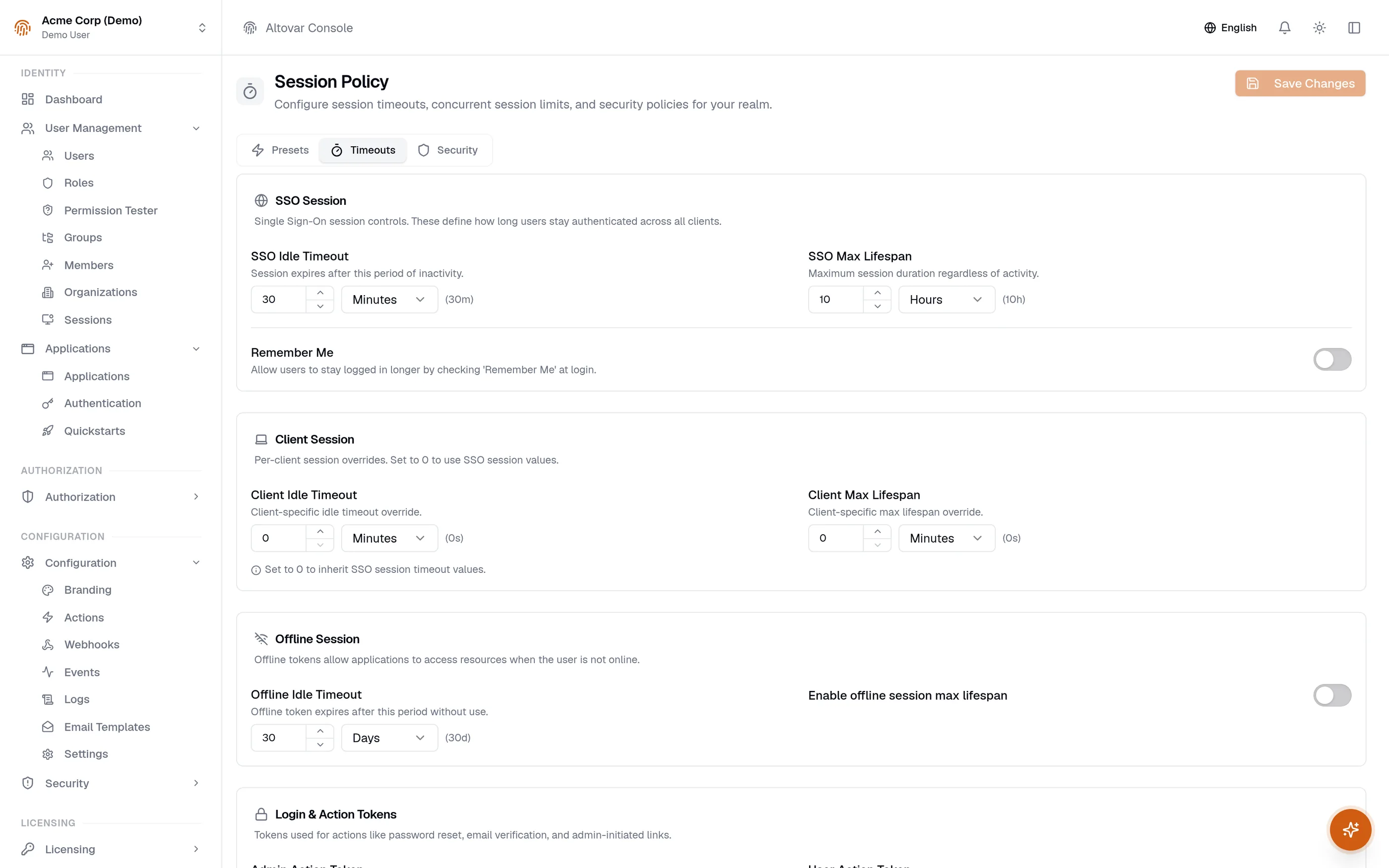
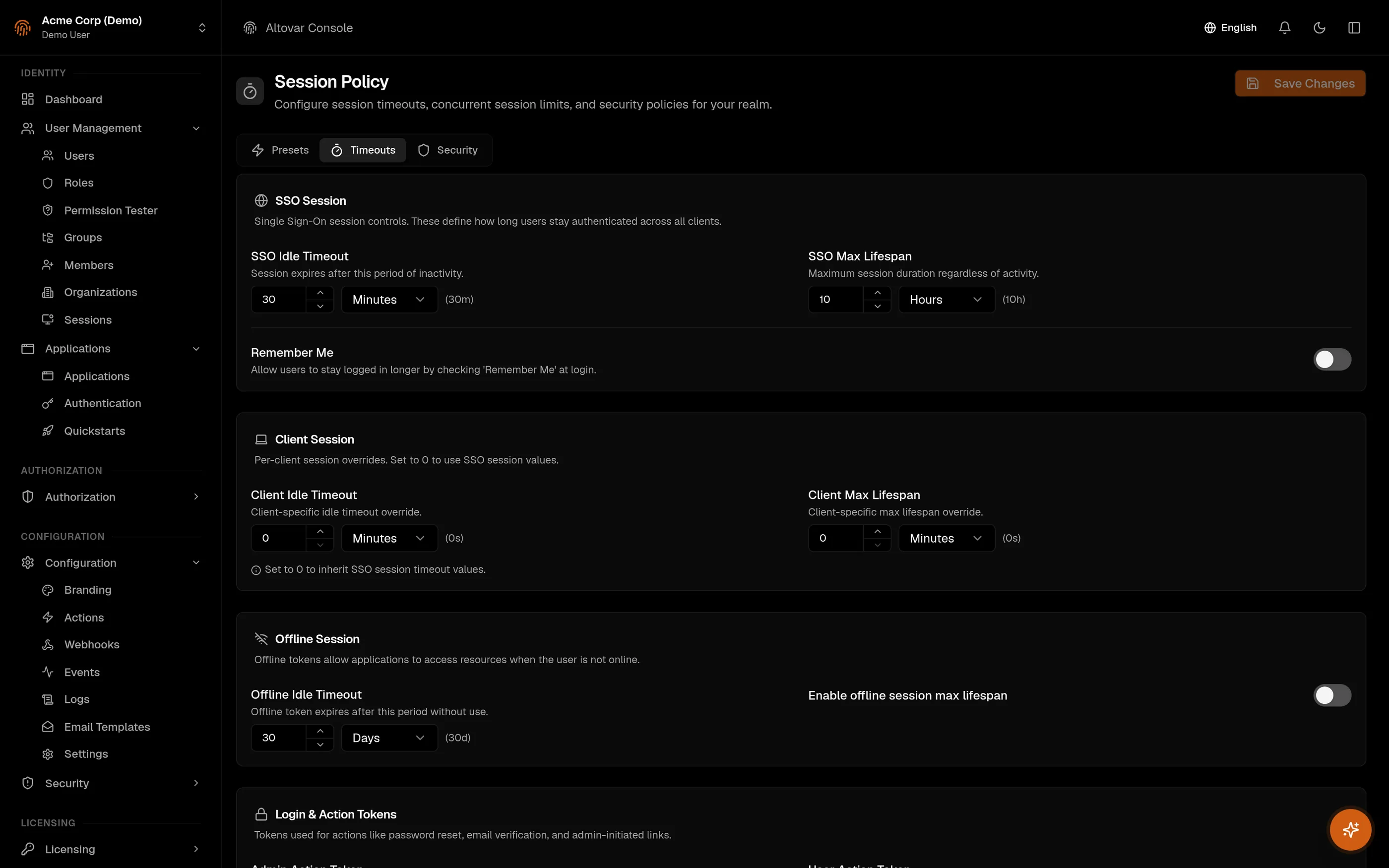
Twelve protocols, each measured in the API. Your existing clients already speak them.
Discovery at /.well-known/openid-configuration, keys at /.well-known/jwks.json.
Every integration is an application with a client id, scopes and a token lifetime you set.
import { aurisMiddleware } from '@auris/nextjs/middleware'

export default aurisMiddleware({
  domain: process.env.AURIS_DOMAIN!,
  clientId: process.env.AURIS_CLIENT_ID!,
  tenant: 'acme',
  protectedPaths: ['/dashboard', '/settings'],
  publicPaths: ['/', '/login', '/callback'],
  loginUrl: '/login',
})Comply, our compliance workspace, signs in through Auris and checks every permission against it: frameworks and controls, evidence, audits, policies, risks, incidents, privacy registers and PDF reports, inside the same tenant boundary.
Discover ComplyStart with the docs, or talk to us about tenants, licensing and your distributor network.