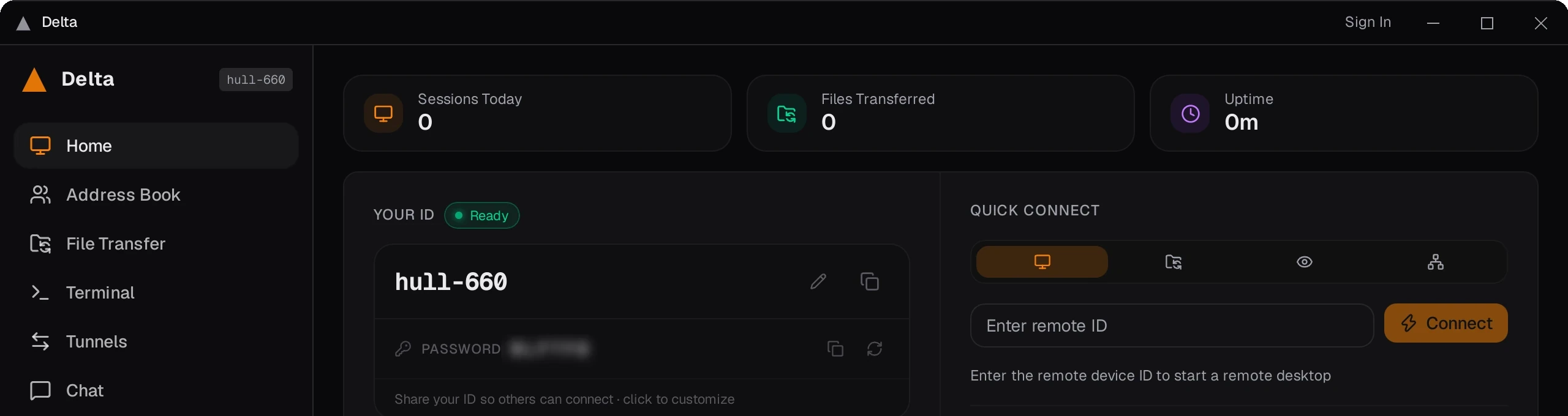
Delta hands you the far machine: its screen, its files, its clipboard. Sessions are encrypted end to end, and when the network will not let two machines speak directly, the relay that carries them is ours, inside the EU. The host keeps its own log of every file that moved.
XSalsa20-Poly1305A symmetric key is agreed per session. Relays forward ciphertext and hold no key that opens it.
Identity
Ed25519The rendezvous server signs each peer’s identity. The client verifies that signature against the key built into it before a single pixel moves.
When verification fails
The session is refusedNot downgraded, not retried in the clear. The client aborts — because a client that falls back to plaintext is a client that can be pushed into plaintext.
Rendezvous and relay
relay-eu1.altovar.netOur own machines running our own image, inside the EU. Point the client at a different one and it will use that instead.
One client, the whole call.
One call, without changing tool: you see the screen, you move the files, you switch monitor, you sort it out in the chat. Everything on this rail is in the Linux client you can download — nothing here is a roadmap.
01
Remote control
The far screen with its keyboard and mouse, in a window or full screen, with frame rate and codec in view as you work.
02
Multi-monitor
Pick which of the host’s displays you are looking at, and switch during the session without reconnecting.
03
File transfer
A dual-pane browser with a queue, moving files both ways during the session.
04
Host-side file audit
The host gets its own panel naming every file read off the machine or written to it, with the path and the direction.
05
Clipboard sync
Text follows the clipboard between the two machines, with a history panel on your side — and the host decides, per connection, whether it is shared at all.
06
Remote audio
What plays on the host plays for you too, inside the same session — and the host can leave audio out when accepting.
07
Port forwarding
Forward a local TCP port to the remote machine and reach a service that was never exposed.
08
Chat
A message channel running alongside the session, for whoever is sitting at the other end.
09
LAN discovery
Finds other Delta devices on the same network by broadcast, without involving the relay at all.
10
Wake on LAN
Send the magic packet to a machine that is asleep, from the same screen you connect from.
11
Address book
Saved devices, in groups, backed up and restored from a file you hold. It stays on your machine.
12
Session statistics
Sessions, minutes, files and data moved, average frame rate and latency, per device — kept on your machine, from sessions that actually happened.
13
Two-factor
A time-based code on the host, checked before an incoming connection is accepted.
14
Session recording
One click records the session you are watching to a video file on your machine.
15
Six languages, two themes
German, English, Spanish, French, Italian and Portuguese, in a light or dark theme — and it keeps running from the tray.
Delta can read a session the way a senior colleague would: it looks at the screen, understands what is going wrong, and says what to try next. All of it is optional — and all of it goes through our gateway in the EU.
Live suggestions
During a session the copilot takes a frame every 8 seconds — only when the screen actually changes — and puts the next step in a side panel.
Reads the error for you
One click captures the screen, reads the text on it, pulls out the error and proposes a fix.
Reports and key moments
A recorded session can become a written report, with errors and state changes marked on the timeline automatically.
Before, and after
Take a reading of the machine, do the work, take another — and what changed between the two comes back written out.
The handshake
It refuses before it downgrades.
End-to-end encryption is only worth the words if the client is willing to hang up. Delta’s is. Here is the order things happen in, and what breaks the chain.
1
The server signs the peer
The rendezvous server holds an Ed25519 key pair and signs the identity of the device you are dialling.
2
The client checks the signature
It verifies that signature against the server public key compiled into the client, then checks that the identity inside it is the device you actually asked for.
3
The peers agree a key
Only then do the two sides establish a symmetric session key. From here the stream is ciphertext, including across the relay.
4
Anything wrong, and there is no session
Wrong key, wrong identity, wrong message type, no answer at all: the client aborts. There is no branch that carries on in the clear — which is precisely the branch an attacker would aim for.
Host Mode → an incoming connection
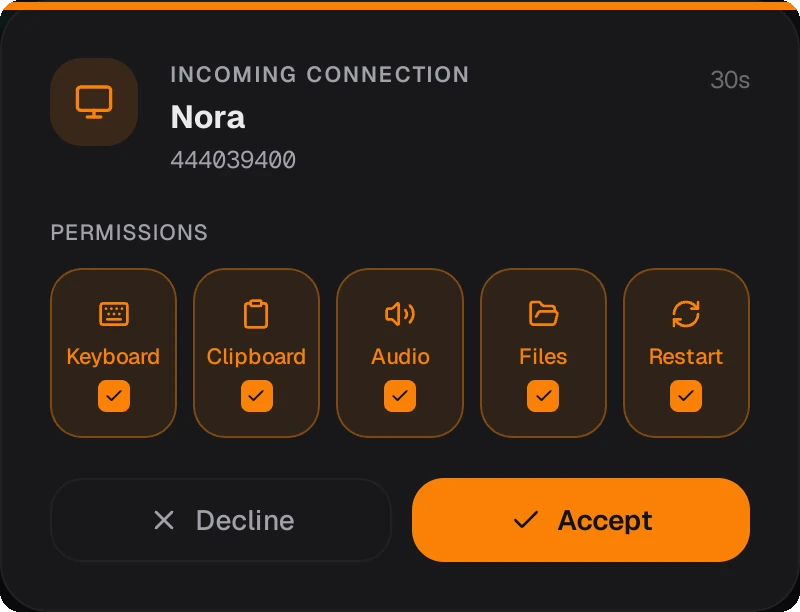
The switches belong to the host, not the visitor. Every connection waits for a click on the machine being connected to, and that click decides keyboard, clipboard, audio, file transfer and restart for that session.
A support call is a connection between two machines, and someone has to carry it when the network will not let them speak directly. That carrier is the part most remote tools are quiet about.
Direct first
Delta tries a direct peer-to-peer connection and falls back to the relay only when the network refuses. Fewer hops whenever the ports allow it.
Our hardware, in the EU
When the relay is needed it is relay-eu1.altovar.net: our machines, running an image we build, inside the EU. Nobody else sits in the middle of your support call.
Or your own
Point Delta at a rendezvous and relay you run, and it talks to your infrastructure instead of ours.
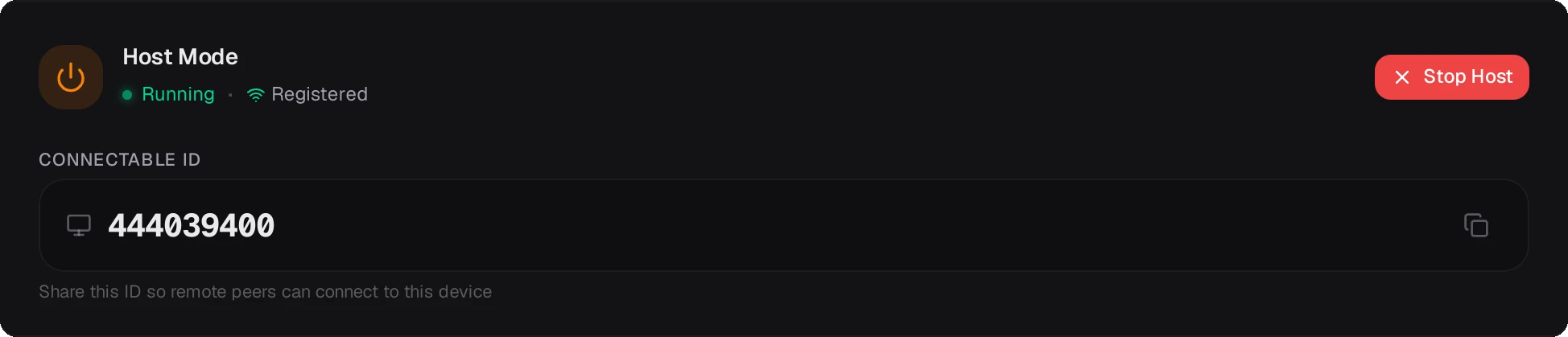
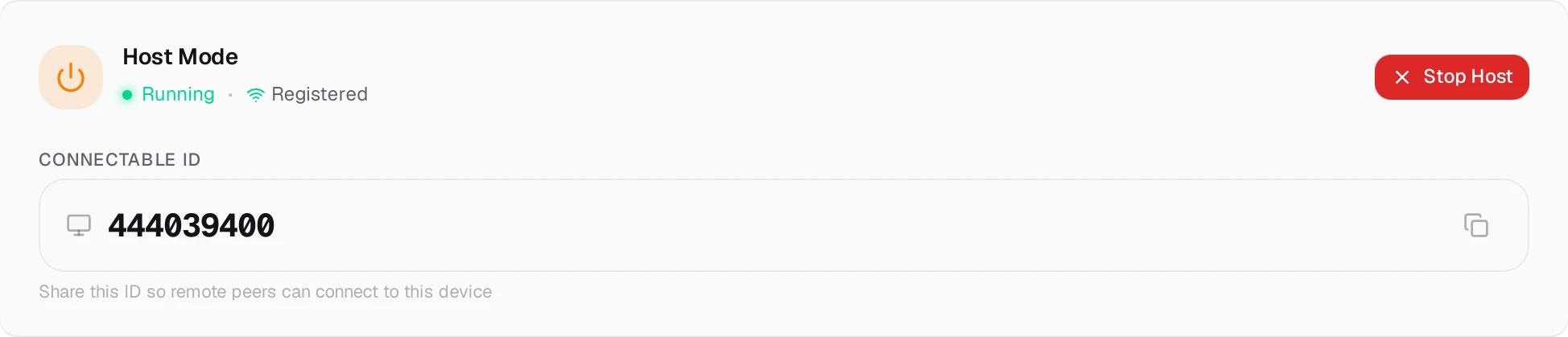
Host Mode — registered, and ready to be dialled
Delta is one of ours.
It shares its identity layer, its relays and its European footprint with the rest of the Altovar catalogue. One supplier, one place to ask, one jurisdiction.