Everything it does, on one page.
Verified in the code that runs it, on 2 September 2026. Nothing here is planned or coming soon.
The schema is the form.
What you write on the left is what editors get on the right.
fields.text()fields.textarea()fields.richText()fields.number()fields.boolean()fields.datetime()fields.slug()fields.select()fields.relation()fields.media()fields.group()fields.array()fields.json()fields.blocks()
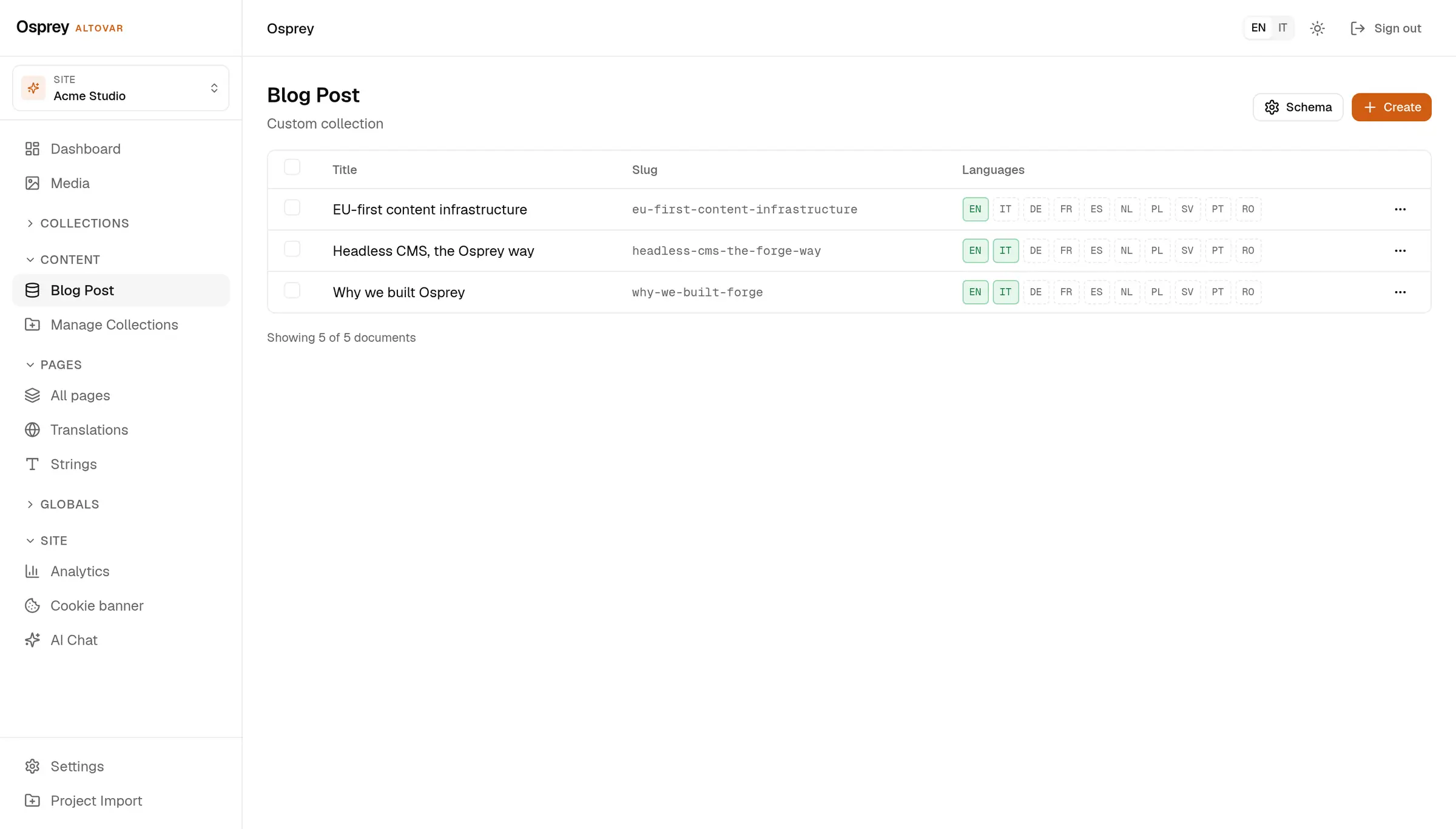
- Flags, not screens
- required and localized are two booleans on the field.
- Slug from the title
- fields.slug({ from: 'title' }) fills itself; select carries fixed options.
- Also from the admin
- Custom collections can be created in the admin and stored in the database.
One content, four ways to read it.
Pick the one your stack already speaks.
Public entries need no key. Back-office documents need an API key or a bearer token.
curl 'https://cms.altovar.net/api/v1/collections/blog-post/entries?locale=en'

{ "data": [ { "id": "fdoc_16d9i3ef", "locale": "en",
              "data": { "title": "EU-first content infrastructure", … },
              "seo":  { "metaTitle": …, "metaDescription": …, "robots": "index,follow" } } ],
  "pagination": { "page": 1, "limit": 20, "total": 3, "totalPages": 1 } }

# The back-office route is the same shape, with a key:
curl -H 'x-api-key: sk_…' \
     'https://cms.altovar.net/api/v1/collections/blog-post/documents?limit=10'
A typed client with the same envelope: data and pagination.
import { OspreyClient } from '@osprey/client'

const osprey = new OspreyClient({
  baseUrl:  'https://cms.altovar.net',
  tenantId: 'altovar',
})

const { data, pagination } = await osprey
  .collection('blog-post')
  .listEntries({ locale: 'en', limit: 10 })
Queries only, over POST. GraphiQL is available in development.
POST /api/v1/graphql
x-api-key: sk_…

query Posts($limit: Int) {
  documents(collectionSlug: "blog-post", status: "published", limit: $limit) {
    data { id status data }
    pagination { total }
  }
}
Entries land in Astro content collections at build time. No key on the edge.
---
import { getCollection } from 'astro:content'

const posts = (await getCollection('blog'))
  .filter((p) => p.data.locale === 'en')
  .sort((a, b) => b.data.publishedAt.localeCompare(a.data.publishedAt))
---
{posts.map((p) => (
  <article>
    <a href={'/' + p.data.slug}>{p.data.title}</a>
    <p>{p.data.excerpt}</p>
  </article>
))}Publish here, appear there.
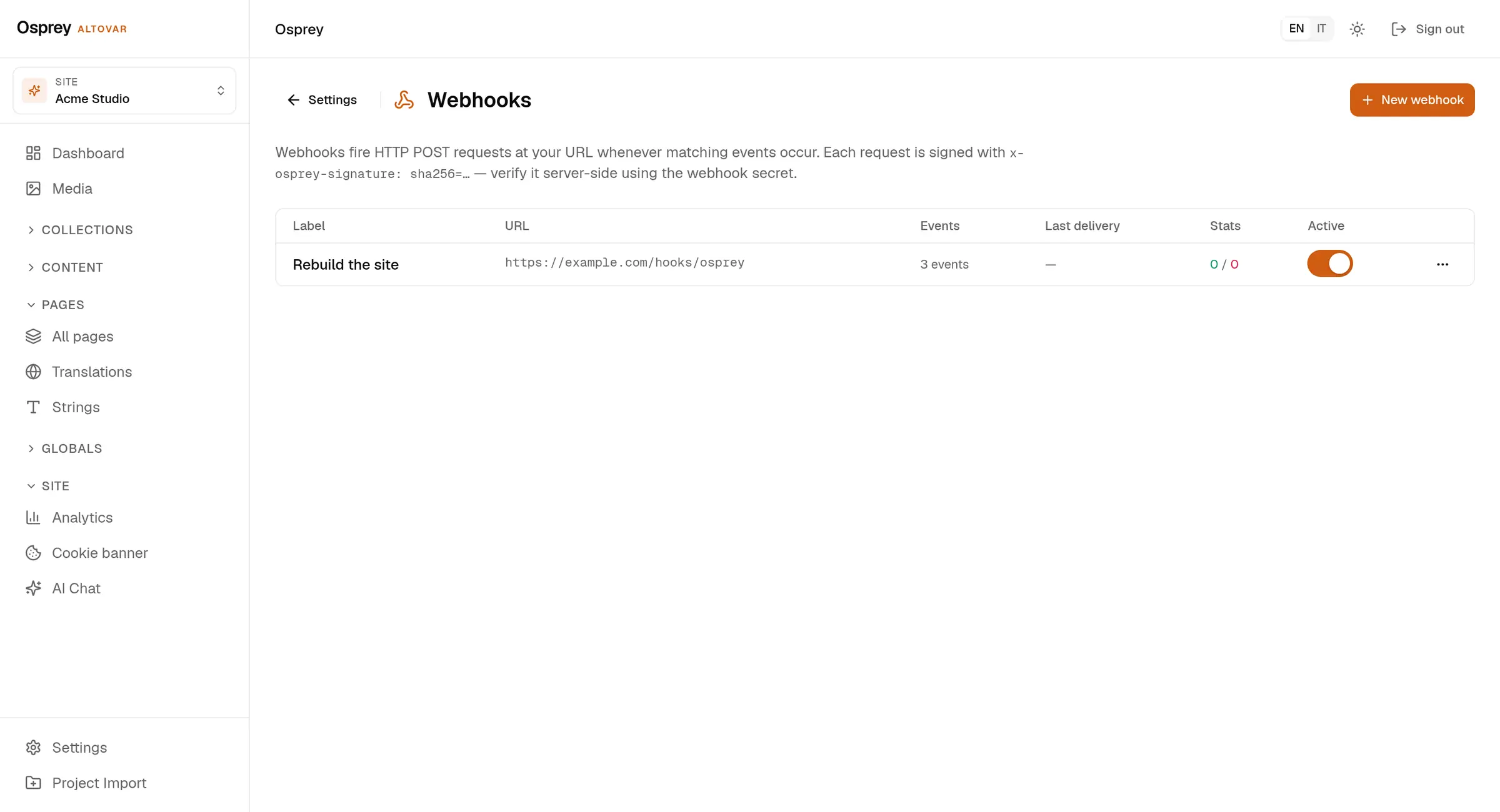
Drafts stay private. A published entry reaches the public endpoint within a minute, and a webhook can rebuild the site.
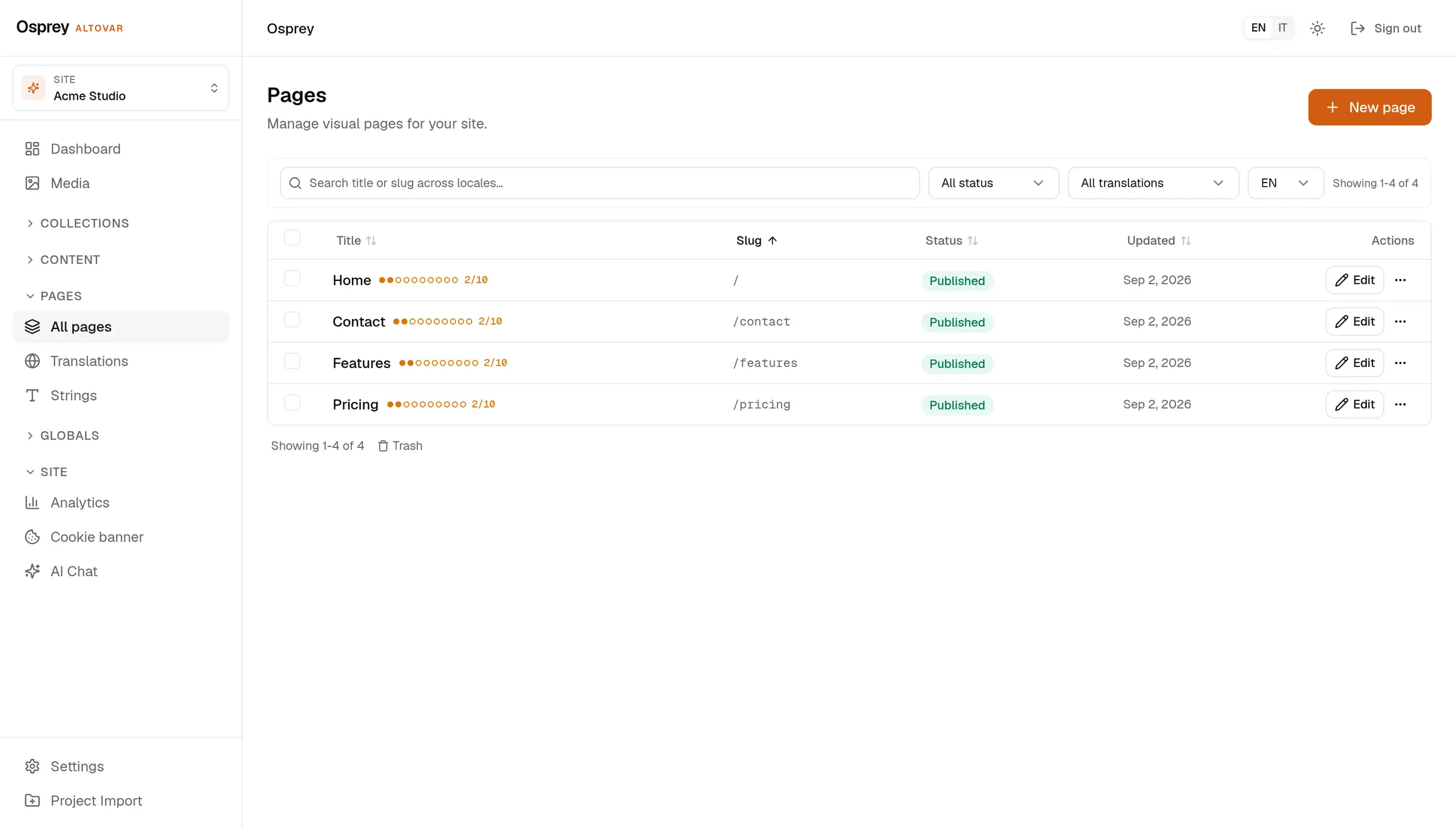
- Three statuses
- draft, published, archived. Pages add review, approval and scheduling.
- Signed webhook
- HMAC-SHA256 over the body in x-osprey-signature. Nine events, secret encrypted at rest.
- Cache headers
- Public reads carry max-age=60 with stale-while-revalidate, ready for any cache in front.
Ten languages, one matrix.
Every localized field, every locale, counted.
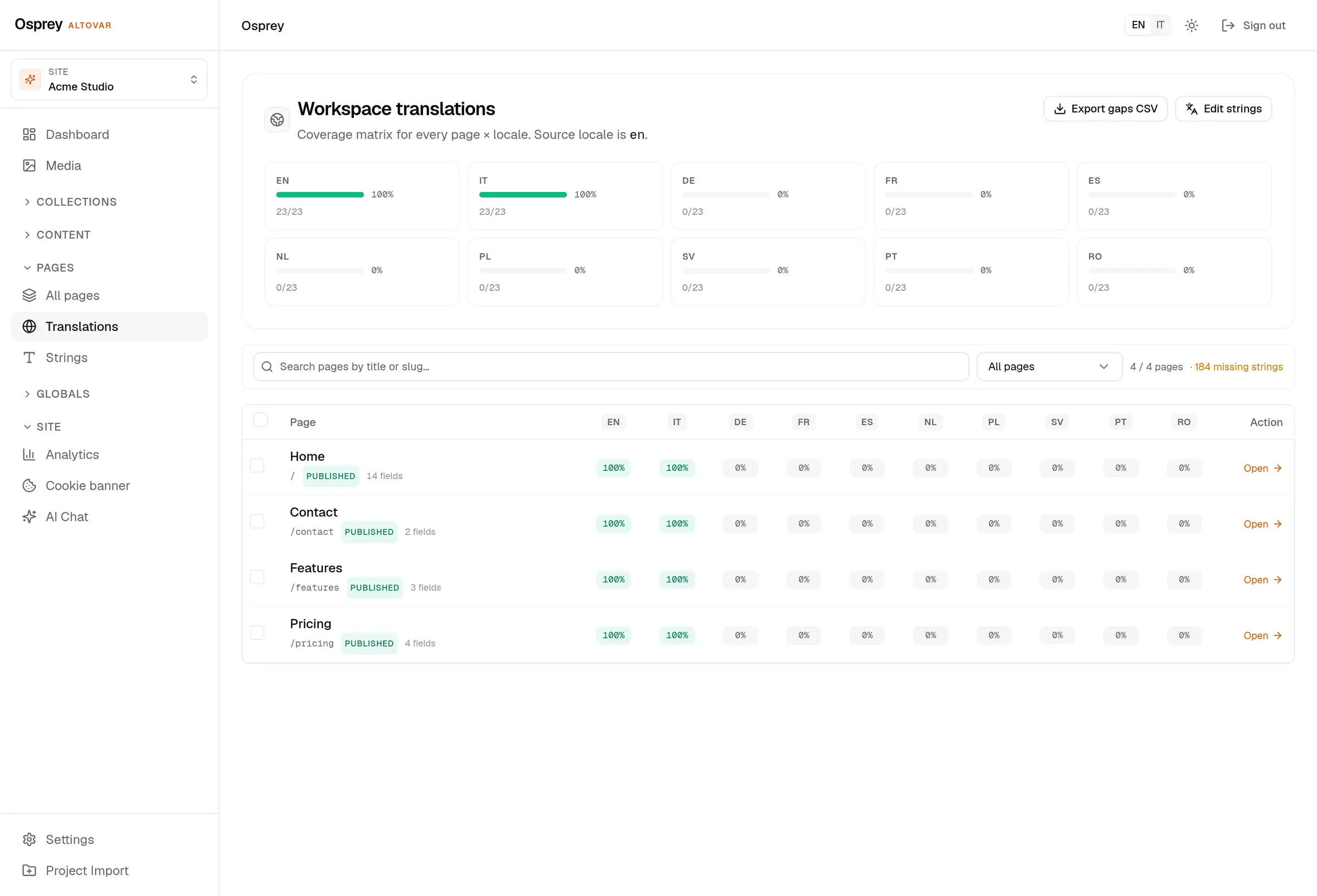
- Content locales
- en, it, es, de, fr, nl, pl, sv, pt, ro, set per workspace.
- Admin
- English and Italian, switched from the top bar.
- Coverage
- A matrix per page and locale, and the missing strings as a CSV.
- Delivery
- One query parameter picks the language; hreflang alternates travel with each entry.
Your domain, in four steps.
Through the API today. The settings page is on the way, so the page says so.
- Claim POST the host to the domains endpoint. It waits as pending.
- Prove Add the TXT record _osprey-verify.<host> with the token you got back.
- Verify POST again with verify: true. The host moves onto the workspace.
- Point CNAME to the platform. The certificate is issued on the first request.
POST /api/v1/admin/domains
Authorization: Bearer <jwt>
{ "host": "www.example.com" }

{ "status": "pending",
  "verification": { "type": "TXT",
                    "name": "_osprey-verify.www.example.com",
                    "value": "osprey-verify=…" } }
Custom domains depend on the plan or on the hosting add-on.
Control that shows its work.
Each line below is a route and a screen, not a roadmap.
- Roles
- admin, editor, author, contributor, viewer
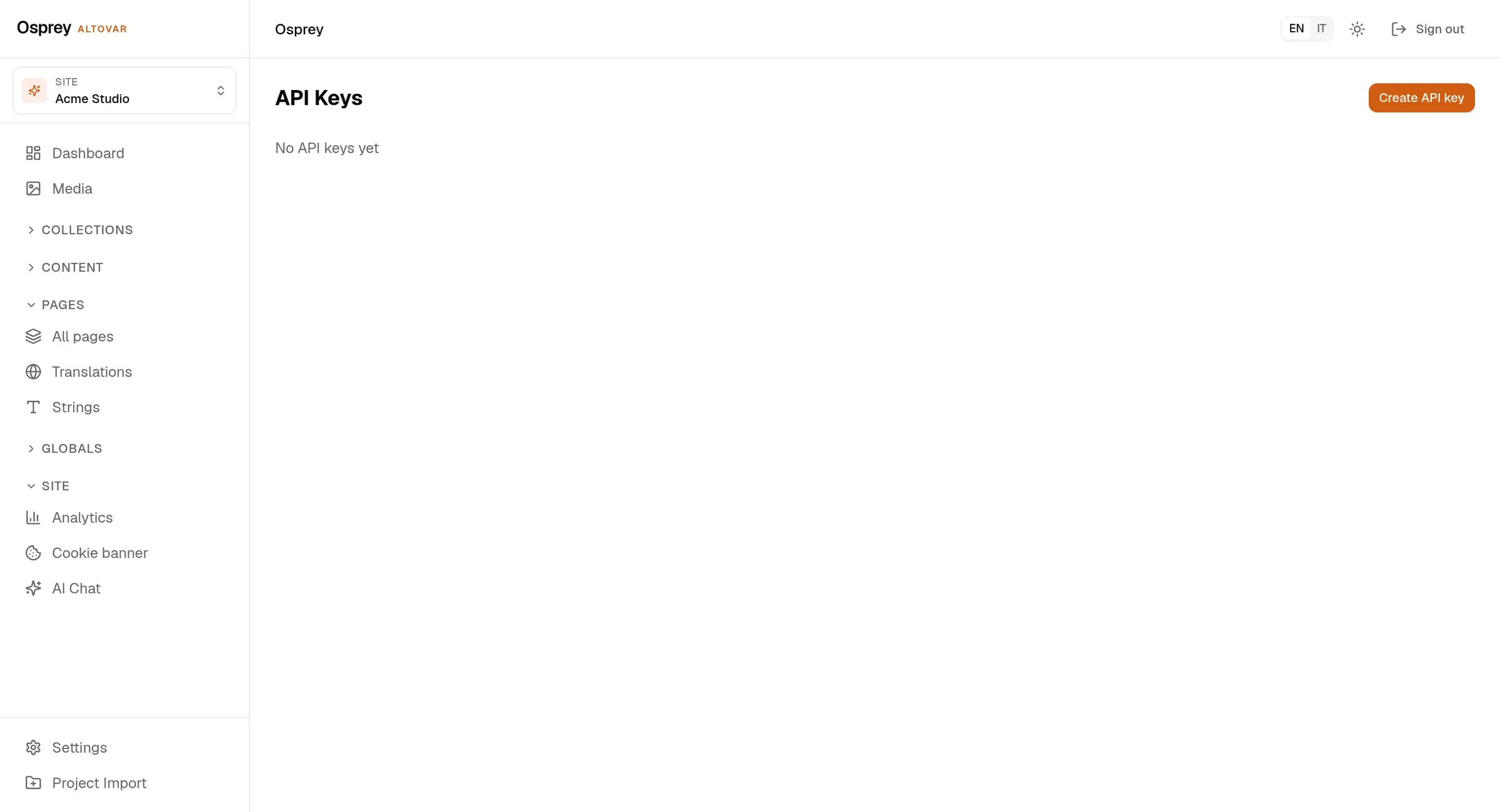
- API keys
- hashed, shown once, read-only flag, expiry
- Audit log
- who, what, when and from where, for every state change
- Revisions
- page history with diff and restore
- Trash
- deleted pages wait; restore them or delete for good
- Together
- presence and shared page editing, field by field
- Consent
- cookie banner and a consent log with hashed IP
- Erasure and export
- one call redacts a subject; export from the admin or the CLI
- Sign-in
- OpenID Connect per workspace, or a local password
- Rate limits
- one bucket per route family, limits in the response headers
The pieces around it.
Two published packages, a CLI, an MCP server and a self-host stack.
- @osprey/client
- typed SDK, React block renderer, consent manager
- @osprey/astro
- content loader, SEO head, translations sync
- CLI
- setup, init, dev, build, generate-types, link, export
- MCP server
- sixteen tools over stdio, for the AI agent you already use
- Self-host
- one compose file and a first-run wizard at /setup
- AI assist
- translate gaps, fill SEO, write alt text; off until you switch it on
Your content. Your server. Today.
Free plan, no card. Hosted in the EU, or on your own machines.