Schema in code. Content over HTTP.
Define collections in TypeScript, edit them in the admin, read them over REST, GraphQL or the Astro loader. Hosted in the EU, or on your own servers.
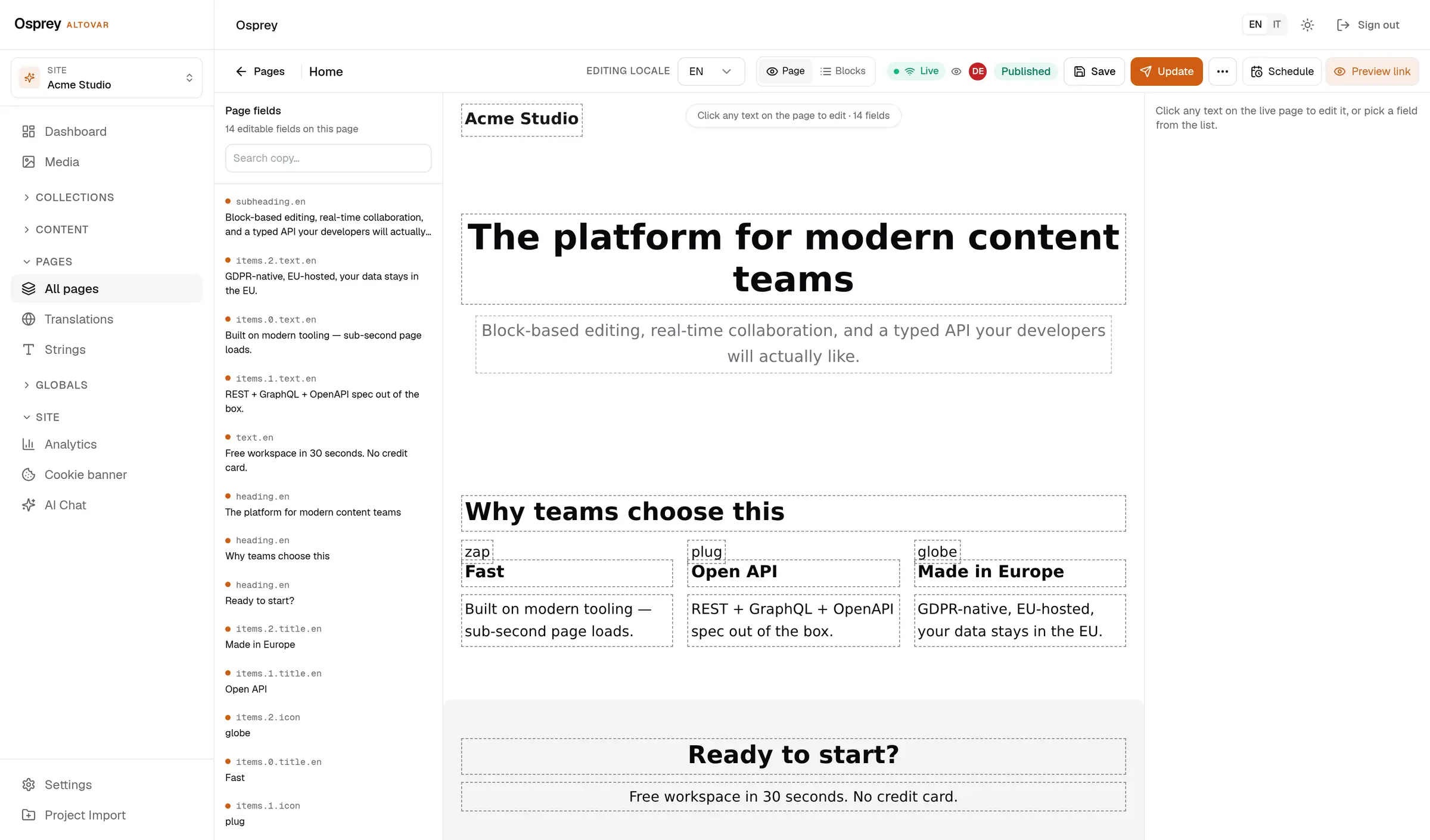
Four things you can check.
- The schema Fourteen field types Text, textarea, rich text, number, boolean, datetime, slug, select, relation, media, group, array, JSON, blocks. All exported by the core package.
- The public read No key, 404 by default A collection is readable without a key only when its access rule admits an anonymous caller. Anything else answers 404, never 403.
- The languages Ten content locales Localized fields, a coverage matrix per page and locale, and the gaps as a CSV.
- The keys Hashed, shown once API keys are stored as a peppered HMAC hash. You see the key at creation; the admin keeps the last four characters.
From a TypeScript file to a page on the web.
Scroll. The same content, at each of its four stops.
- 01 · Schema
You define the collection in TypeScript.
Slug, fields, access rules. It lives in your repository and goes through review like any other code.
import { defineCollection, fields } from '@osprey/core' export const blogPost = defineCollection({ slug: 'blog-post', access: { read: () => true }, fields: { slug: fields.slug({ from: 'title' }), locale: fields.text({ required: true }), title: fields.text({ required: true }), excerpt: fields.textarea(), body: fields.richText({ required: true }), publishedAt: fields.datetime(), }, }) - 02 · Admin
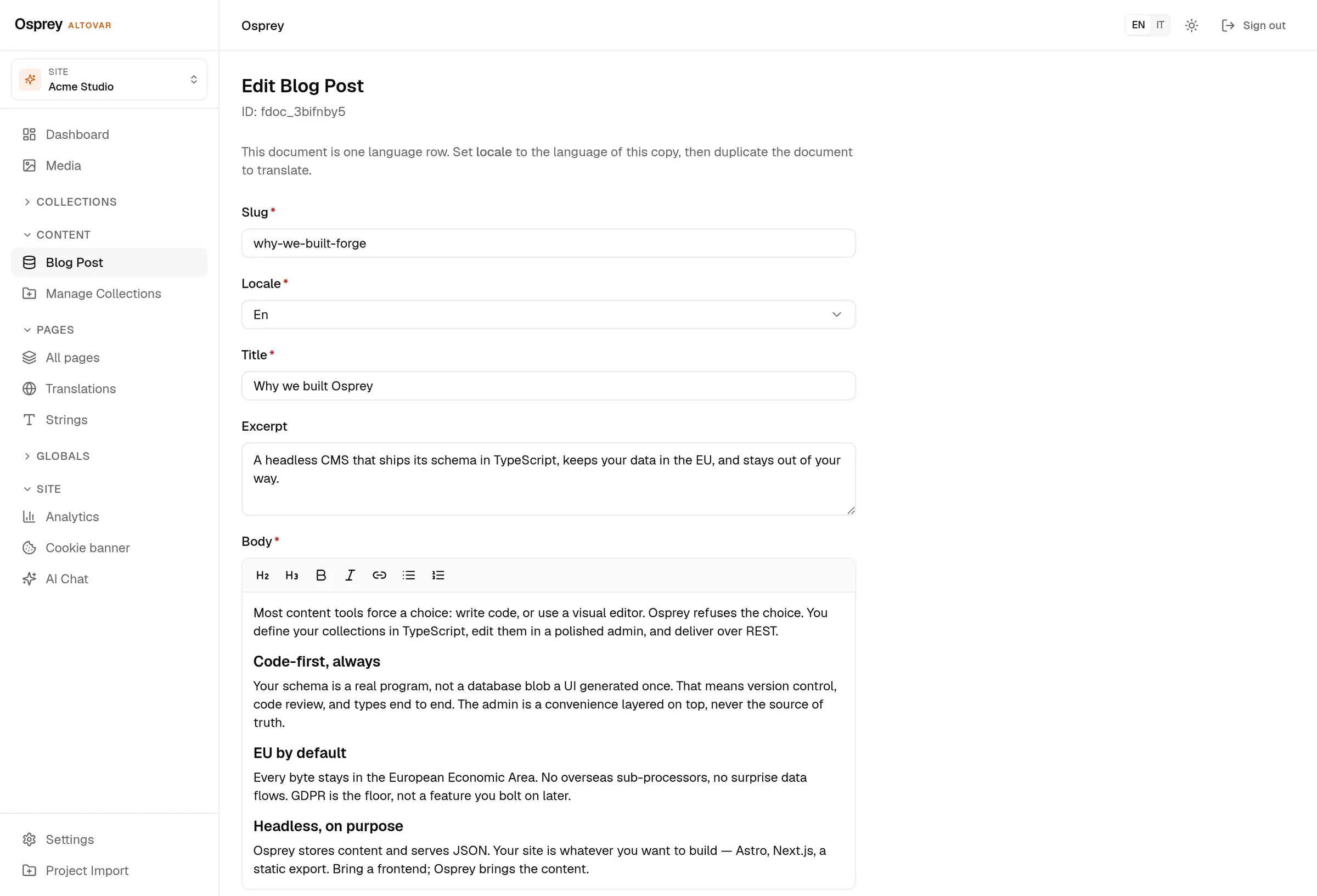
The admin reads the schema and draws the form.
Required fields, the locale selector, the rich-text body. Nothing is configured twice.
- 03 · API
Published entries come out as JSON.
One GET, no key, with SEO, canonical and hreflang already merged into each entry.
GET /api/v1/collections/blog-post/entries?locale=en Host: cms.altovar.net 200 OK { "data": [ { "id": "fdoc_16d9i3ef", "data": { "title": "EU-first content infrastructure", … }, "seo": { "metaTitle": "EU-first content infrastructure", … }, "canonical": "https://…/en/eu-first-content-infrastructure", "alternates": { "en": …, "x-default": … } } ], "pagination": { "page": 1, "limit": 20, "total": 3 } } - 04 · Site
Your frontend renders it.
The Astro loader pulls entries at build time. The blog below is built exactly this way, from this CMS.
Open the live blog →import { defineCollection } from 'astro:content' import { ospreyLoader } from '@osprey/astro' const blog = defineCollection({ loader: ospreyLoader({ collection: 'blog-post', baseUrl: 'https://cms.altovar.net', tenantId: 'altovar', }), })
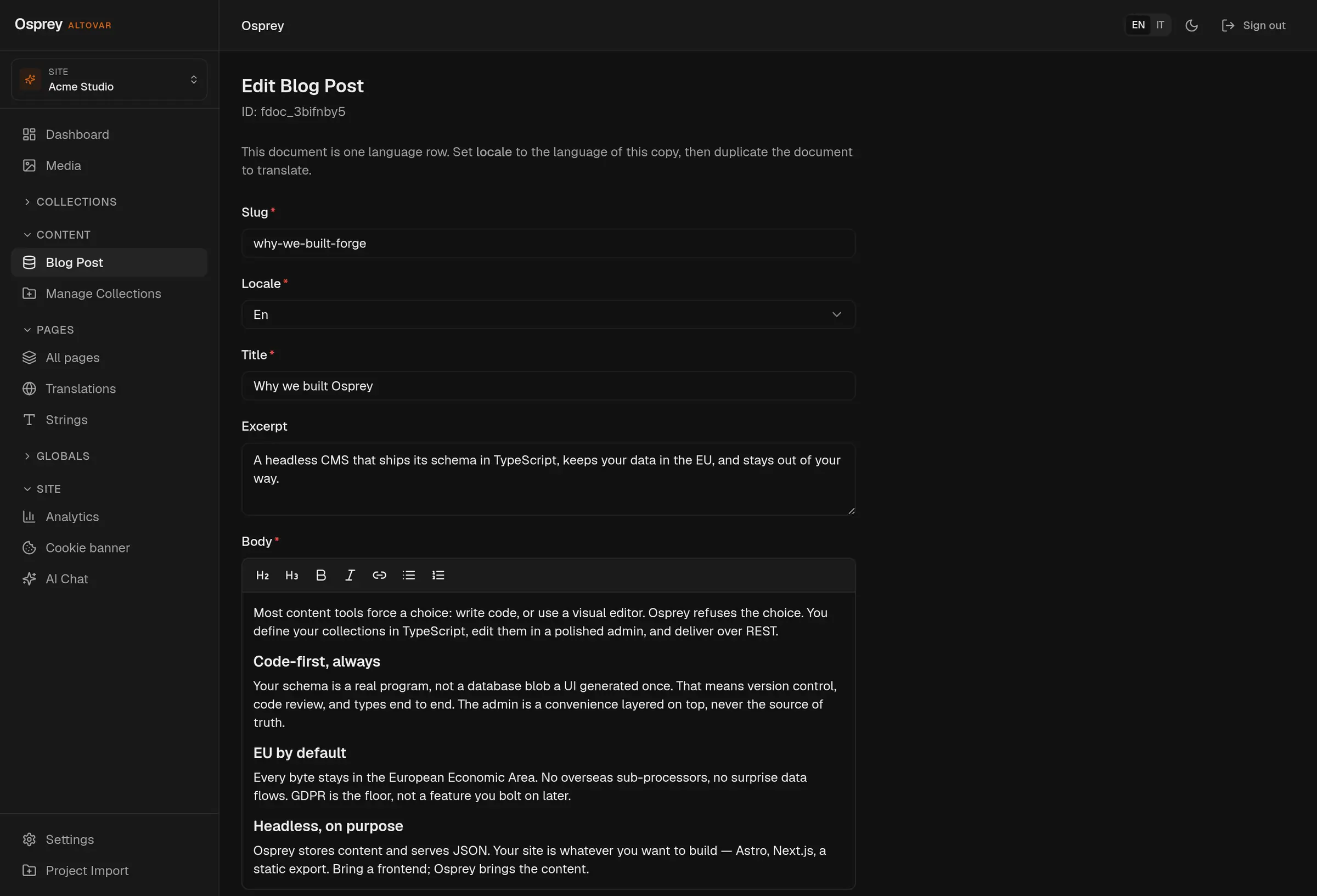
The admin, in your theme and your language.
Light or dark, English or Italian. Every capture on this site follows the theme you pick in the header: it is the same admin, photographed twice.
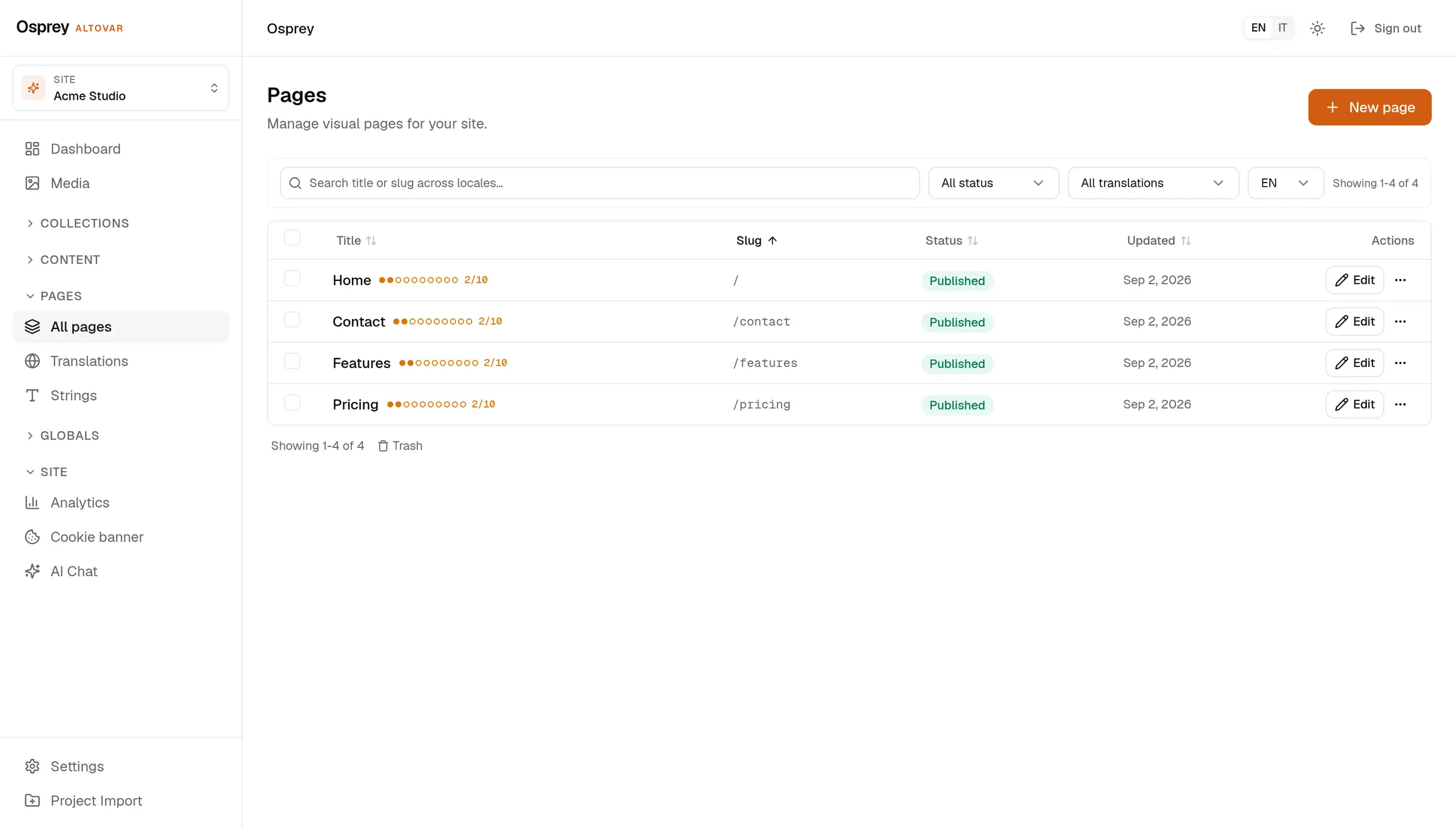
Your content. Your server. Today.
Free plan, no card. Hosted in the EU, or on your own machines.