Your rules, your thresholds
Configure metric conditions, a duration window and severity to match the systems you manage.
Set metric thresholds, duration and severity. Review active alerts with the context you need to acknowledge or resolve them.
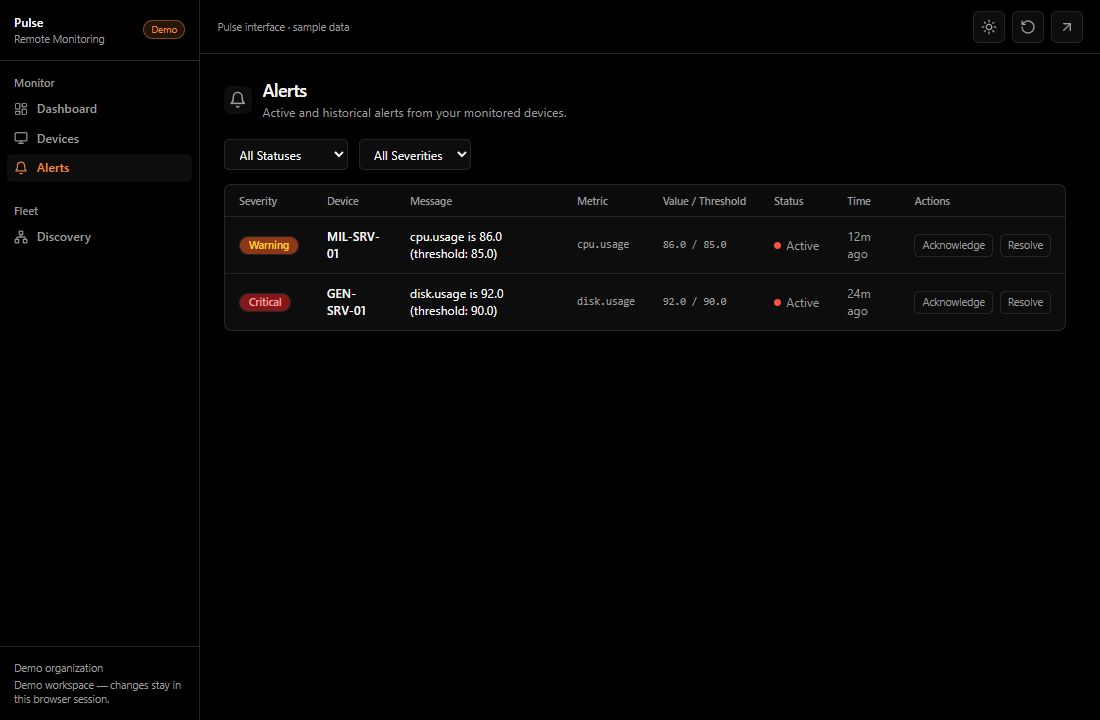
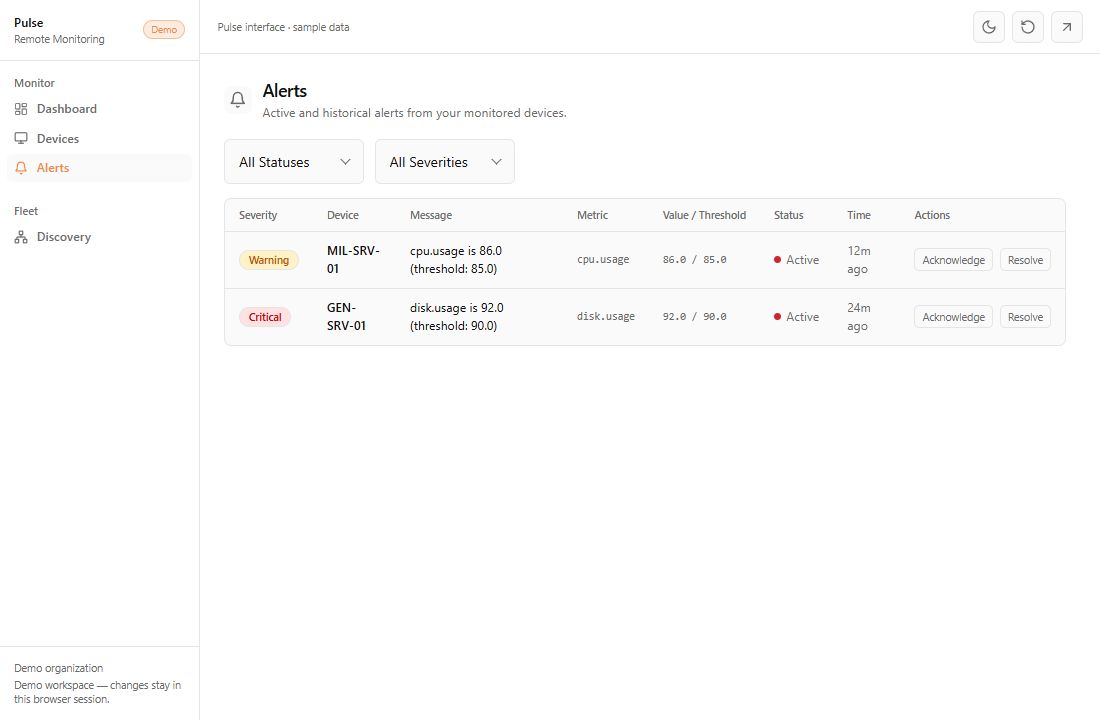
Configure metric conditions, a duration window and severity to match the systems you manage.
Review active alerts and identify the affected device instead of losing context across notifications.
Track alert state with explicit operator actions. Keep investigation and resolution visible.
Alerting is based on configured metric rules. It is not an EDR, dark-web monitoring or autonomous incident-response service.
How it worksDefine a threshold and the time it must remain exceeded.
Review the resulting alert and its device context.
Acknowledge it, investigate and resolve when appropriate.
Loading the Pulse console…
Acknowledge or resolve an example alert. Changes persist until you reset the demo.
Real product components. Try the device search, open a device, change a chart period or acknowledge an alert.